In a cinematic moment, an IT technician navigates the challenges of exam day, where technology meets education's high stakes.
Picture this: It’s the height of exam resit season at your local educational institution. The stakes are high, the nerves are taut, and every IT technician is hoping for a smooth ride. But as any seasoned tech support pro knows, technology has a way of turning even the best-laid exam plans into a frantic, caffeine-fueled mystery.
Today’s tale is one for the annals—where Windows lies, printers run wild, and a late-night hero sprint saves the day. Welcome to the world where computers don’t need AI to deceive you—they’re already masters of misdirection.
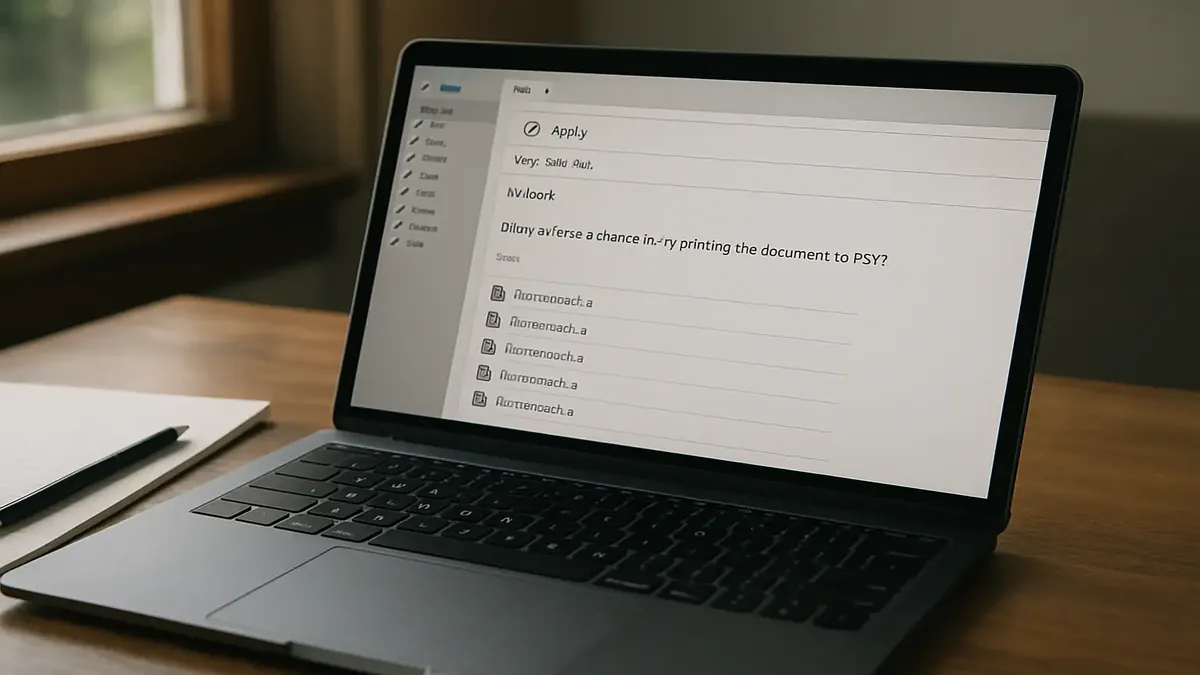
This photorealistic image captures the moment of confusion when users encounter unexpected file types. The blog post dives into solutions for saving documents as PDFs, ensuring you never face this frustration again!
There are days in tech support when the universe seems determined to test your patience—and sense of humor. You brace for the usual password resets and printer woes, but then a ticket lands in your queue that reads: "Why can’t I save as PDF?????" What could possibly go wrong with one of the most basic computer tasks? As it turns out, quite a lot—especially when humans, hidden file extensions, and creative naming schemes collide.
This is the story of how a simple request spiraled into a comedy of digital errors, pitting tech support against the quirks of Windows, user habits, and the age-old problem of what, exactly, to call your files.
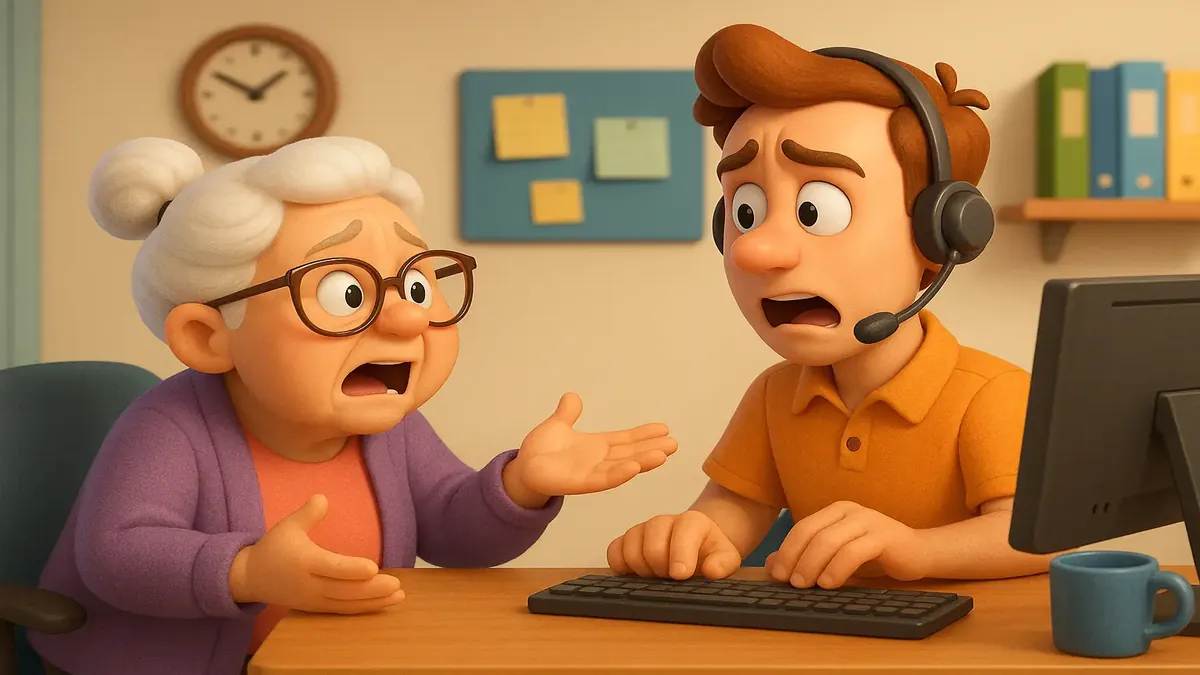
In this playful cartoon-3D scene, our call center agent faces the all-too-familiar challenge of password management. Join us as we explore the humorous side of tech support in the world of ISPs, where communication is key, and passwords can be tricky!
Picture this: You’re wrapping up another day in the trenches of tech support, feeling good after a painless password reset call. The customer was friendly, got in fast, and even thanked you. You exhale, ready to move on—only for the phone to ring the next day with a twist worthy of a sitcom. “You didn’t tell me I had to write down my password!” she insists, as if you just let her walk away with a ticking time bomb. Welcome to the world of ISP tech support, where logic is optional and common sense is apparently a rare collectible.
In the wild west of customer support, no good deed goes unpunished—and no password is ever safe from being forgotten, blamed, or immortalized on a sticky note.
In this vibrant anime scene, we see a staff member grappling with connectivity woes as their laptop struggles to maintain a steady network connection. This relatable moment highlights the frustrations of internal WiFi challenges in a modern office environment.
If you’ve ever worked in IT support, you know there are days when your faith in humanity’s grasp of technology is sorely tested. But nothing quite prepares you for the moment when the very person responsible for training others in network best practices turns out to be the architect of their own network misery. Welcome to the “Infernal WiFi” saga from Reddit’s r/TalesFromTechSupport—a story that’s equal parts baffling and sidesplitting, with a Reddit comment section that’s pure gold.
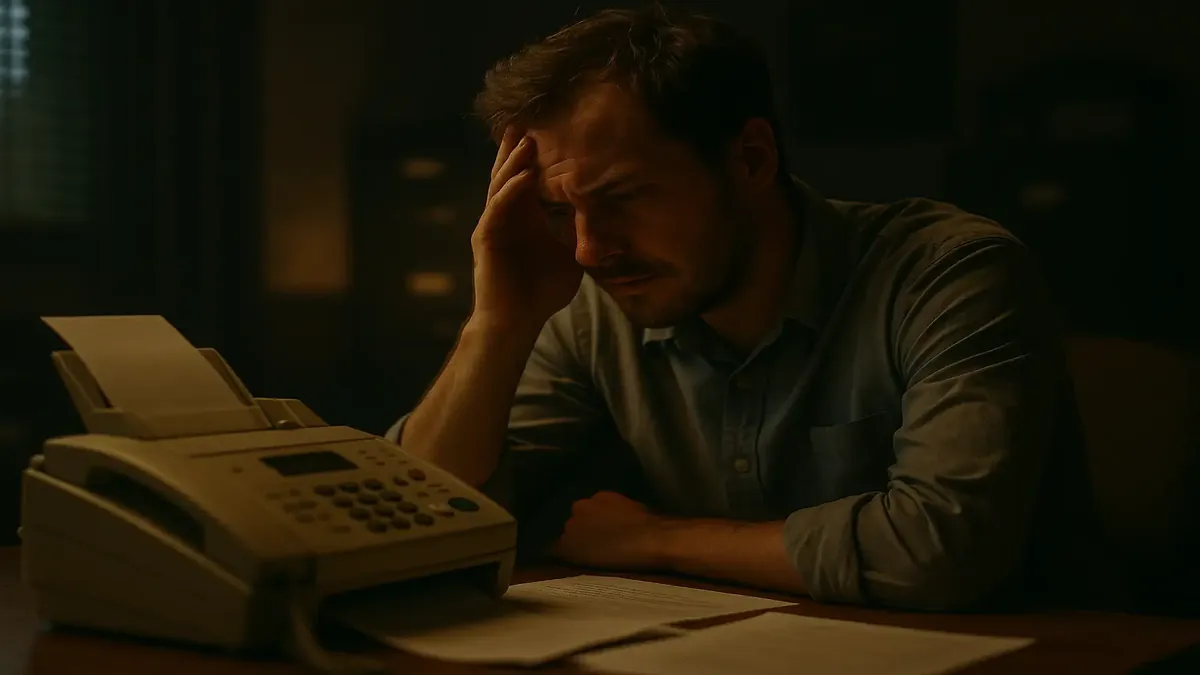
In this cinematic portrayal, we dive into the frustrating world of faxing, where technical issues can leave customers feeling helpless. Join us as one customer navigates the chaos of long-distance fax failures and the blame game that ensues.
Let’s be honest: if you’re reading this in 2024 and you haven’t thought about a fax machine for years, you’re not alone. But for some unlucky souls in tech support, faxes are the monster that just won’t die. Enter a Reddit post from r/TalesFromTechSupport titled “Fax is cursed,” where one tech’s three-hour odyssey into the bowels of fax troubleshooting had them questioning reality, patience, and the very nature of modern business.
Ready to relive the horror (and hilarity) of troubleshooting a technology that refuses to fade quietly into the night? Grab your coffee, because this is a journey through the haunted halls of office tech.
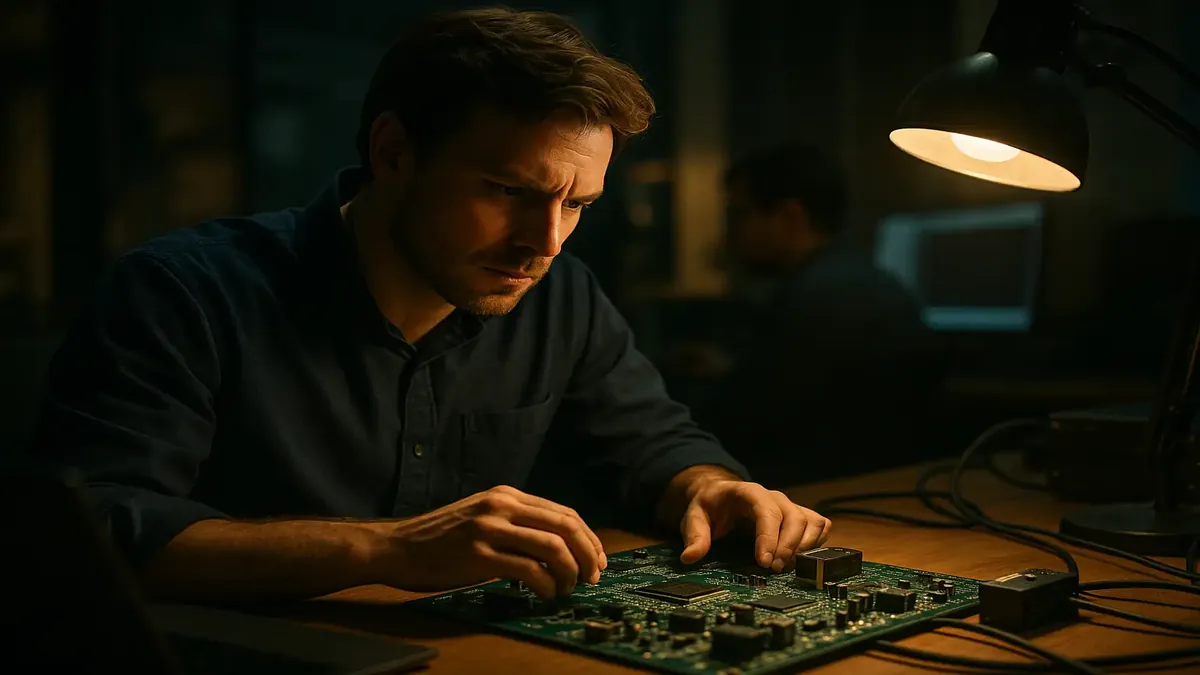
In this cinematic portrayal, an applications engineer tackles complex hardware challenges amidst a backdrop of innovative circuit board designs, reflecting the intricacies of tech support in the EDA industry.
Picture this: you’re an applications engineer at an Electronic Design Automation (EDA) company. You’re flown in as the “smokejumper”—the last-resort firefighter for burning-hot support cases. You swoop in, patch the software, answer every question, and finally breathe easy. But then, just when you think you’re done, you’re invited to lunch, and someone slides a totally unrelated, unsolved hardware mystery across the table.
That’s exactly what happened to Redditor u/bwade913, who shared a tale equal parts tech heroics and accidental hardware wizardry. Let’s unravel how a software fix-it visit turned into a hardware whodunit—one that left seasoned field engineers scratching their heads.
In this vibrant cartoon-3D scene, a frustrated applications engineer grapples with the complexities of tech support in the EDA industry, evoking the nostalgia and challenges of early computer technology.
Let’s hop in the digital DeLorean and head back to the 1980s: floppy disks spun, computers booted up with the drama of a soap opera, and customer support was a contact sport. In this story from Reddit’s r/TalesFromTechSupport, we’re treated to a hilarious and hair-raising glimpse into the wild world of early electronic design automation (EDA) support—where the real bugs weren’t just in the code, but sometimes on the other end of the phone.
Picture this: an applications engineer, fresh out of college, thrown into the deep end of supporting custom-built “Route Engines”—beefy, headless Unix machines with as much personality as a cinder block and about as much patience as their most difficult customers. When a customer’s rage boiled over into threats and—later—a headline-making crime, it was just another day in the circuit jungle.
In a cinematic moment, I dive into action at the local deli, resolving internet issues to ensure smooth operations for my buddy. This snapshot captures the urgency and camaraderie that comes with tech support in a bustling environment.
If you’ve ever worked in tech support, you know the feeling: you rush to a site where all hope is lost, only for the problem to magically fix itself the moment you arrive. Is it luck? Is it intimidation? Or are geeks imbued with an invisible, problem-banishing energy? Recently, a story from Reddit’s r/TalesFromTechSupport perfectly captured this bizarre phenomenon—and it all started with a panicked text from a local deli.
Our hero, u/ascii122, is the resident tech whisperer for a neighborhood delicatessen. When catastrophe struck and the “internet was off” (translation: no credit cards, no orders, no business as usual), he raced over from his job at the water treatment plant. The deli was in chaos, a “CASH ONLY” sign taped to the door, and employees wearing that special blend of panic and confusion only technology can inspire.
But then—just by walking in—the whole system magically sprang back to life. No troubleshooting, no cables yanked, no arcane incantations. Just a wifi test, a quick refresh, and the credit card machine chirped happily once again. The only thing left was to claim a free sandwich (a “hog” of a Famous Hero), and dash back to work.
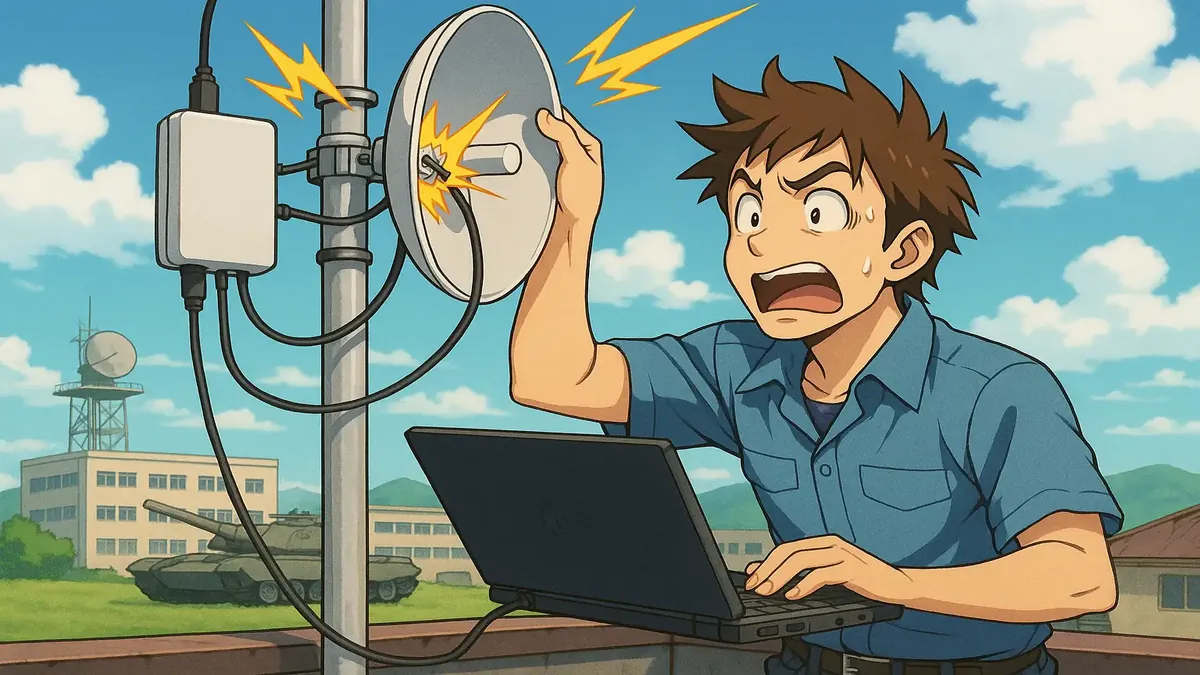
This vibrant anime illustration captures the frustration of a network technician grappling with unexpected connectivity issues after returning from vacation. With a backdrop of a bustling town near a military base, it reflects the challenges faced by small WISPs in maintaining reliable service amidst various interferences.
We’ve all heard it before: “It was working fine before I left for vacation!” For anyone who’s ever worked in tech support, these words are the harbinger of another wild goose chase—one that usually ends with a sheepish confession, a plugged-in power cord, and a collective sigh from both sides of the call.
But beneath the surface of these seemingly simple cases lies a treasure trove of comedy, frustration, and a little bit of human nature. Let’s dive into a true tale from the trenches of tech support, and discover why the oldest troubleshooting questions are still the best.
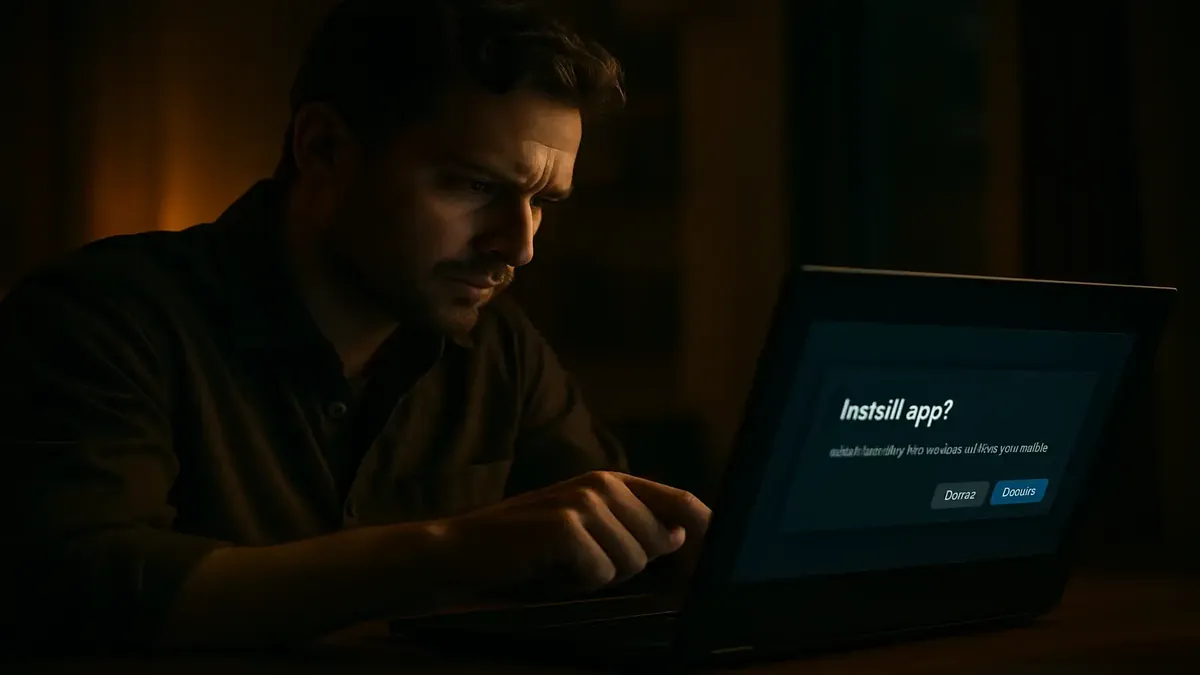
In this cinematic illustration, we capture the moment of frustration as a user grapples with confusing software installation instructions. This blog post dives into simplifying the process for everyone, showcasing how a Progressive Web App can empower users to install applications with ease.
Picture this: You’re swamped with work, your inbox is groaning under the weight of tickets, and you get a request to install a piece of software. But not just any software—a Progressive Web App (PWA) designed for maximum user-friendliness. You send the user a link, a screenshot with a big, bright arrow, and instructions that basically boil down to: “Go here, click this.” Could it get any simpler?
Apparently, yes. Because for some users, even the clearest instructions are a cryptic puzzle from the Da Vinci Code.