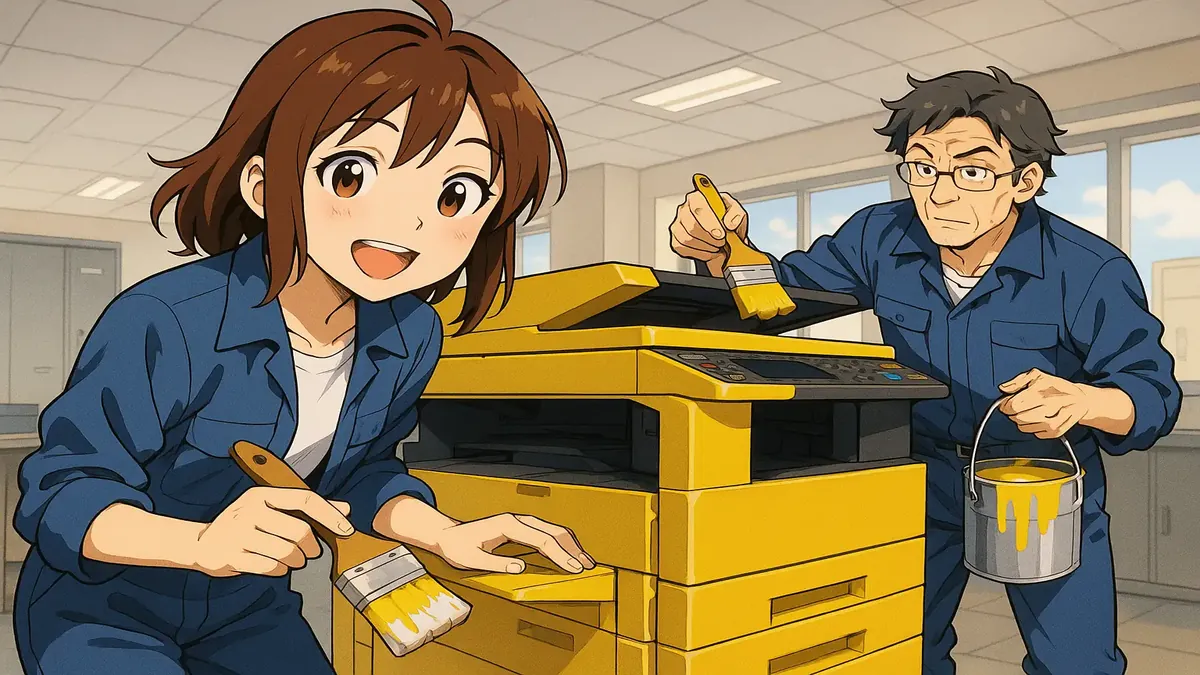
In this vibrant anime depiction, our beloved old photocopier gets a fresh coat of paint, thanks to the dedicated Printer Whisperer. Who knew a simple machine could bring such joy to the office?
Let’s be honest: office technology rarely inspires passion. But every so often, a story emerges from the fluorescent-lit trenches of tech support that is so absurd, so gloriously petty, it deserves to be framed above the water cooler. Today, we’re talking about a copier—not just any copier, but one whose color offended the sensibilities of the highest office in the land. Yes, this is the saga of the Great Copier Makeover, brought to you (with a wink) from the wilds of r/TalesFromTechSupport.
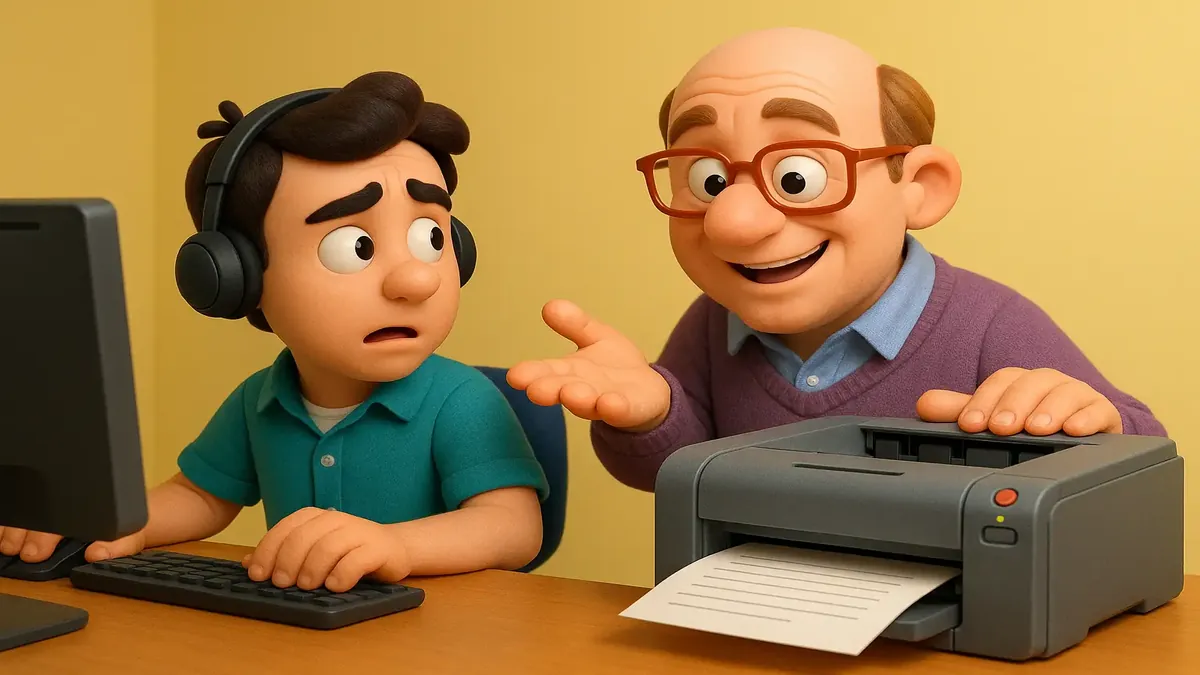
In this fun cartoon-3D scene, we dive into the humorous world of tech support as a confident IT person navigates printer troubleshooting.
Picture this: it’s another busy day in the digital trenches of tech support. You’re on the phone, walking someone through a printer issue. You brace yourself—printers, after all, are notorious for transforming ordinary office workers into would-be computer whizzes or, more commonly, into panic-stricken button mashers. But today’s caller? Oh, today’s caller is special.
“Don’t worry, I know how to do everything with these printers!” he boasts. “I could just about take them apart and put them back together again, except that’s your job. I’m the IT person here!”
(Narrator’s voice: He was definitely not the IT person there.)
In this vibrant anime scene, we see a user grappling with confusion as chatbot responses flood their workspace, capturing the essence of the struggle many face when seeking support.
There’s a new trend sweeping the IT helpdesk world, and it’s not one that’s making tech pros jump for joy. If you’ve ever worked in tech support, you’re already used to people “helping” by telling you what their cousin’s boyfriend’s roommate Googled about their problem. But now, there’s a new expert in town: AI chatbots. Yes, ChatGPT, Copilot, and their silicon siblings are now the backseat drivers of tech support calls everywhere.
Picture this: You’re deep into troubleshooting a tricky issue. Maybe you’re two steps from a breakthrough when your user, voice full of hope (or smugness), interrupts to say: “I just asked ChatGPT and it said X.” Cue the internal groan. You’re not alone—this is the new normal for IT pros everywhere, as one tech support worker hilariously vented on Reddit’s r/TalesFromTechSupport.
A photorealistic depiction of a team member deep in thought, sifting through documentation as they tackle a puzzling customer request involving unknown service features.
Picture this: You’re sipping your morning coffee, bracing yourself for another day in tech support, when a ticket lands in your queue that’s so baffling it could only be a Monday. The customer wants you to activate several strangely-named features in your company’s service—features that sound perfectly plausible, perhaps even innovative, but absolutely do not exist. You check the documentation. Nothing. You ask the dev team. Blank stares. Have you collectively slipped into an alternate reality?
Turns out, you have—but not in the way you think. The culprit? Our friendly neighborhood AI, ChatGPT, spinning up an alternate universe where your product does things you’ve never even imagined.
A cinematic portrayal of a witty 18-year-old service desk technician, navigating the challenges of vague support requests with a clever response.
When it comes to tech support, clarity is everything—or so you’d think. But sometimes, the only thing clearer than a help request is just how little information it actually contains. Enter Speddie23, the 18-year-old tech support prodigy (and self-professed smartass) who gave a masterclass in literal compliance, answering a vague support ticket with pinpoint accuracy…and a dash of sass.
Let’s just say, sometimes “the best kind of correct” is also the most infuriatingly unhelpful.
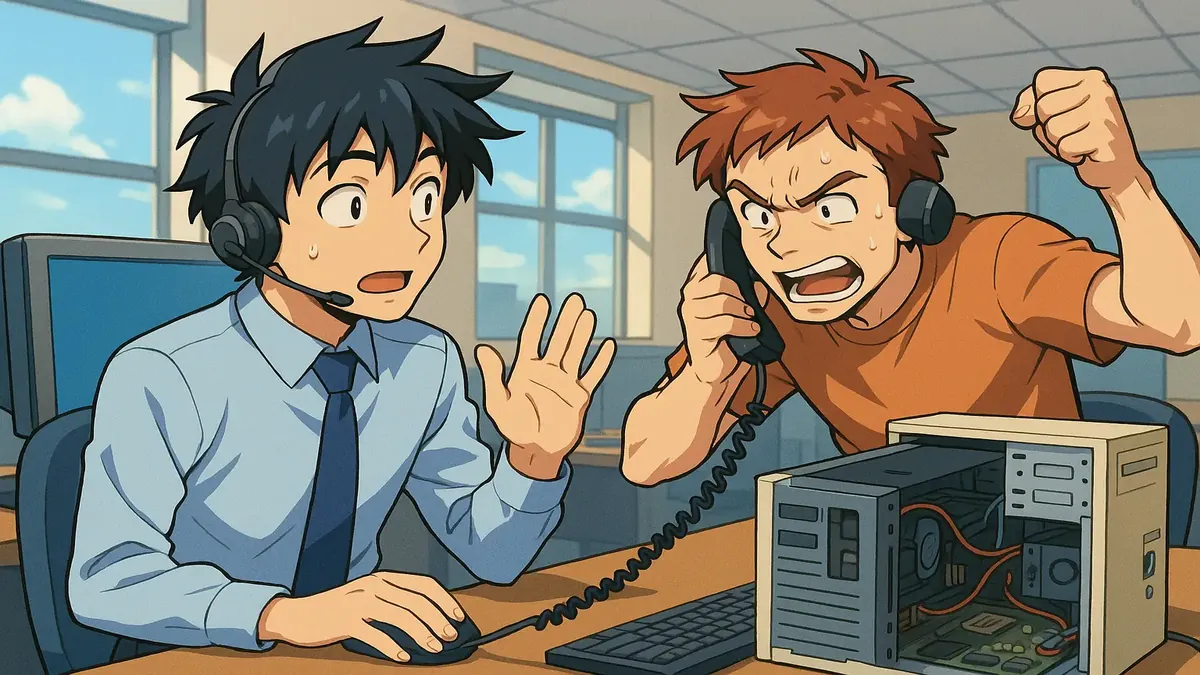
In this anime-style illustration, we see a helpdesk worker skillfully talking a frustrated caller off the ledge, turning a potential crisis into a positive experience. This scene captures the essence of compassion and problem-solving in tech support.
If you’ve ever worked helpdesk, you know the type of call that makes you question your life choices—a phone line brimming with righteous, keyboard-smashing fury. But what happens when one of those calls turns from a disaster-in-the-making to the highlight of your week? Enter this classic tale from Reddit’s r/TalesFromTechSupport, where one tech support hero managed to talk a caller off the literal (computer destruction) ledge—and even walked away with a service award!
Picture it: the early 2000s, the era of chunky monitors and dial-up symphonies. Our protagonist is “nate11san,” a seasoned Tier 1 helpdesk agent for a major insurance company, already a veteran of the password-reset wars. On a day where call volume is high but manageable, he finds himself face-to-face (well, ear-to-ear) with a caller who sounds ready to dropkick her PC out the nearest window. What followed is a masterclass in patience, empathy, and tech support wizardry.
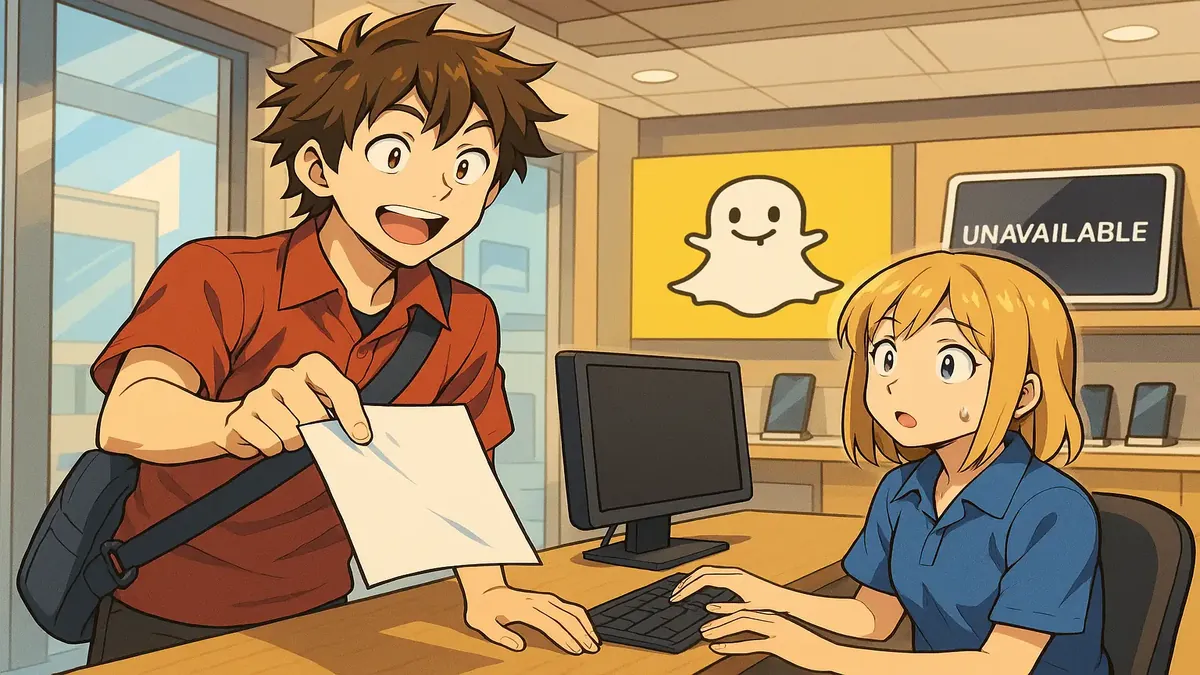
This vibrant anime-inspired artwork captures the essence of breaking free from retail constraints, reflecting a journey filled with tech passion and personal growth. Join me as I share my story of leaving the retail world behind!
If you’ve ever worked in retail tech support, you know the job is less about technology and more about surviving the daily emotional rollercoaster of customers, confusion, and chaos. But some stories stand above the rest—like the saga of “Gertrude,” an octogenarian convinced her father’s inheritance papers from the 1960s were waiting for her... on Snapchat.
After three years in the trenches of a major electronics retailer, one Norwegian tech support hero finally had enough. Here’s what finally pushed them out the door—and why you might want to hug your local tech support rep today.
Dive into the fulfilling world of tech support with this vibrant cartoon 3D illustration, showcasing the joy of helping others in your job. Discover how passion and profession intertwine in our multi-part story!
Picture this: you’re on a road trip through Kansas, laptop and hacking gadgets in tow, headed to a simulated cyber crisis with high-powered execs. You’re juggling wireless investigations, dodging video calls in front of a decommissioned attack helicopter, and fielding frantic requests from sales teams who think “urgent” means “drop everything.” Sound like a fever dream? For one cybersecurity consultant—u/lawtechie on Reddit—it’s just another week on the job.
If you’ve ever wondered what it’s like to be a cyber-sleuth on the move, wrangling both wifi signals and egos the size of small countries, buckle up. This story, from the epic “TalesFromTechSupport” subreddit, is a ride you won’t forget.
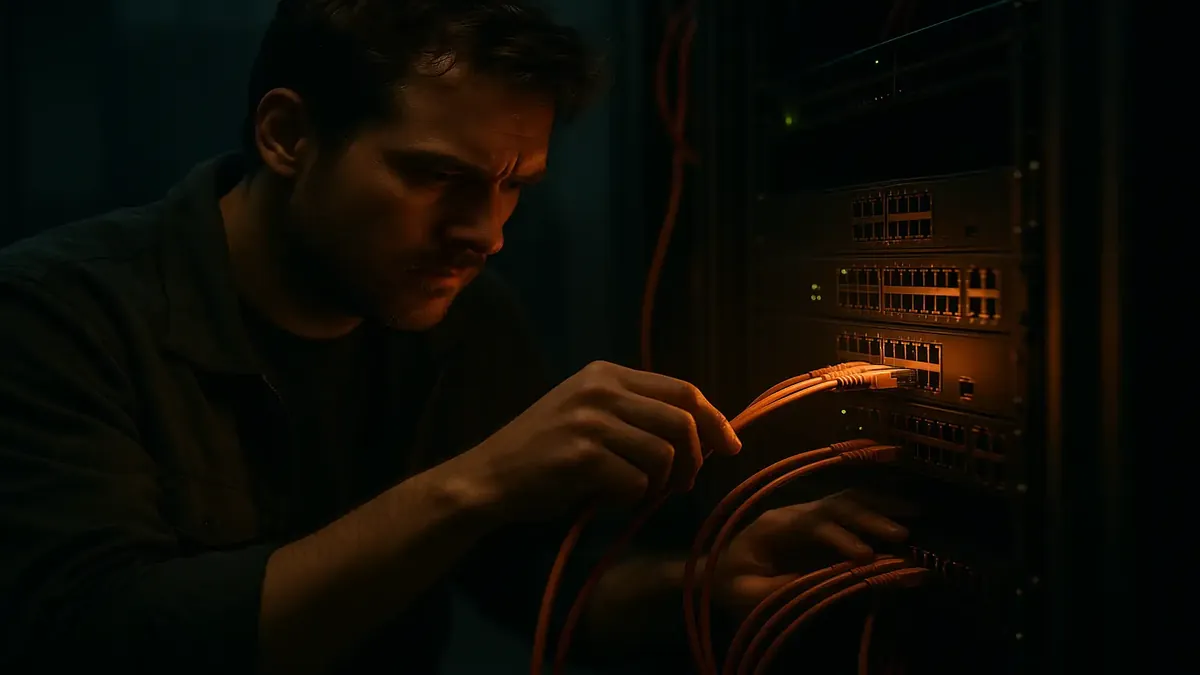
In this cinematic portrayal, network engineers delve into the complexities of troubleshooting, embodying the passion and urgency of resolving critical issues when systems go down.
Ever notice how the phrase “Have you tried turning it off and on again?” is both the punchline and the lifeline of IT support? Now, imagine you’re not just rebooting your grandma’s WiFi—but yanking the power on a critical network switch in a healthcare clinic, with patient care hanging in the balance. Still feeling brave? Buckle up for a story where network chaos, real-world consequences, and a dash of gutsy decision-making collide.
It all started with a ticket: half the clinic’s computers and phones were dead, users locked out with mysterious network errors. The clinic ran on VDI with Dell Wyse terminals, PoE phones, and printers—so when the network hiccuped, everything went down. The hero of our tale, a Level 2/3 tech, was first to grab the call. What could possibly go wrong?
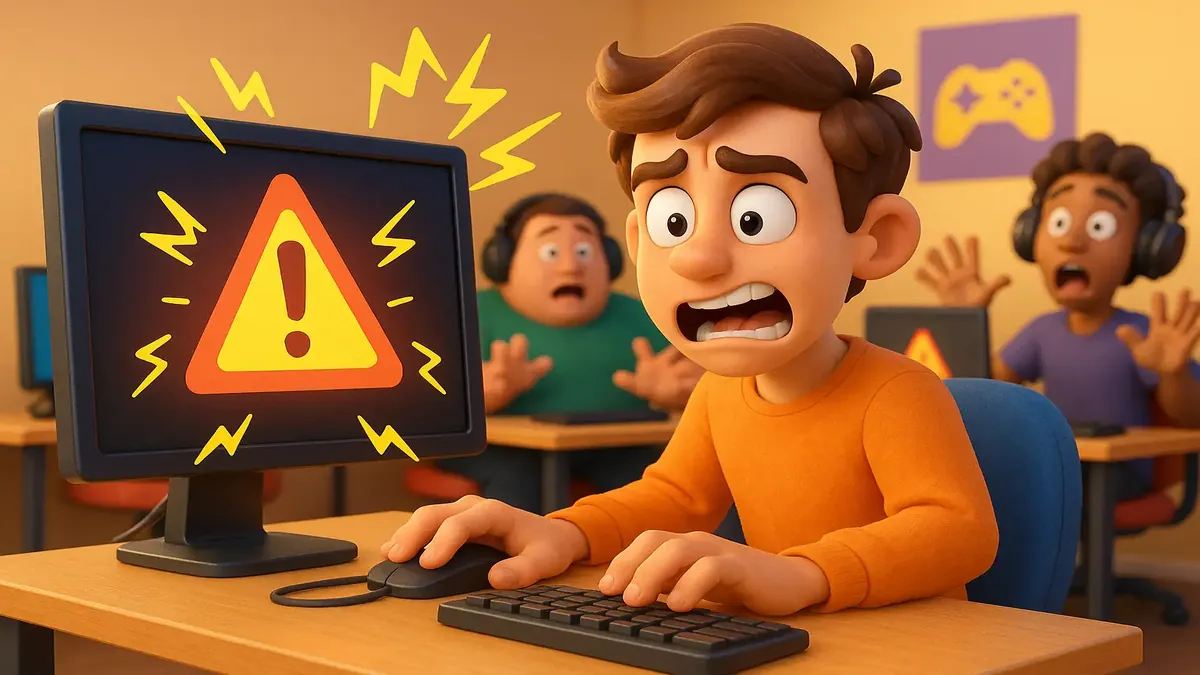
In this vibrant cartoon-3D scene, witness the moment a single line of code brings chaos to a small gaming facility's network, perfectly capturing the horror stories from helpdesk discussions. Enjoy the humor and drama as we dive into tech mishaps!
There are moments in tech support when you realize you have the power to bring an entire business to its knees—with just a single, innocent-looking command. Most of us hope we never have to experience that first-hand. But today’s tale from the trenches of r/TalesFromTechSupport reminds us: sometimes, the best way to learn is to set the whole place on fire (metaphorically, of course).
Let’s set the stage: a small but bustling gaming facility, a spaghetti-bowl of network configurations left behind by a consulting firm that could sell a dream but couldn’t follow through. Enter our hero, a helpdesk tech-turned-unofficial-network-admin, armed with good intentions, a SecureCRT license, and a penchant for cleaning up messes. What could possibly go wrong? Spoiler: everything.