Entitled Guests and the Myth of the Magic Hotel Butler: Tales From the Front Desk
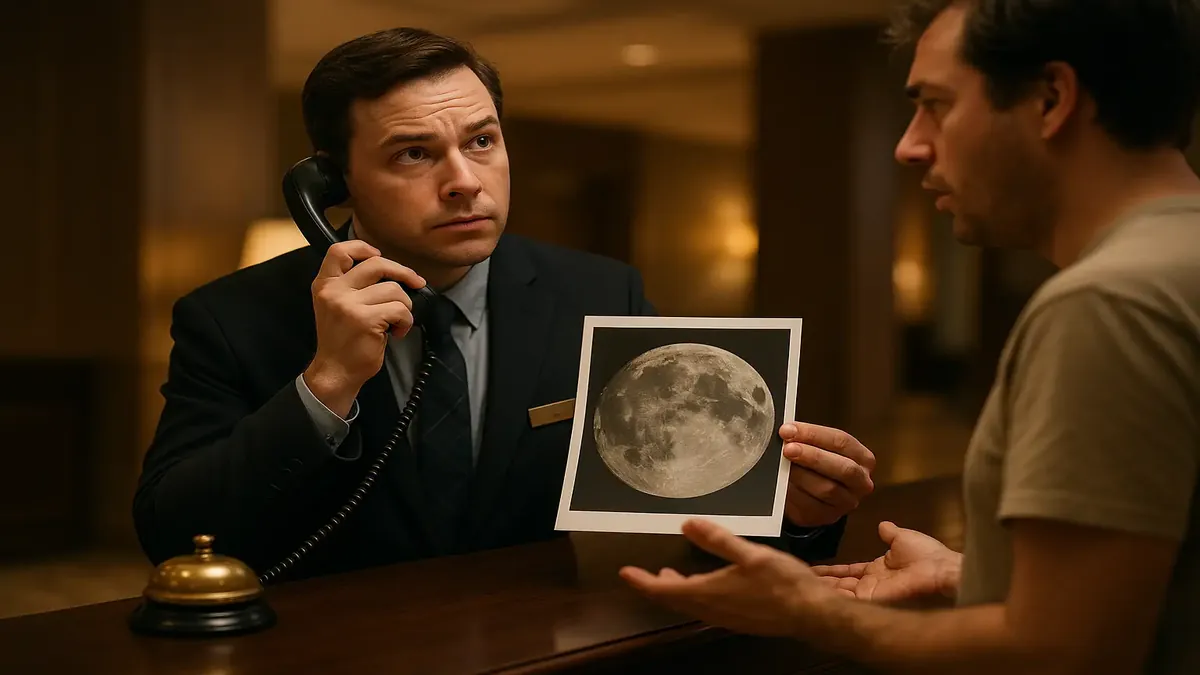
If you think working the front desk at a hotel is all about polite greetings and handing out keycards, think again. Behind that professional smile is a battle-hardened warrior, bracing for the next entitled request from guests who seem to believe the hotel moon should be delivered to their suite—free of charge, naturally, and with zero effort on their part.
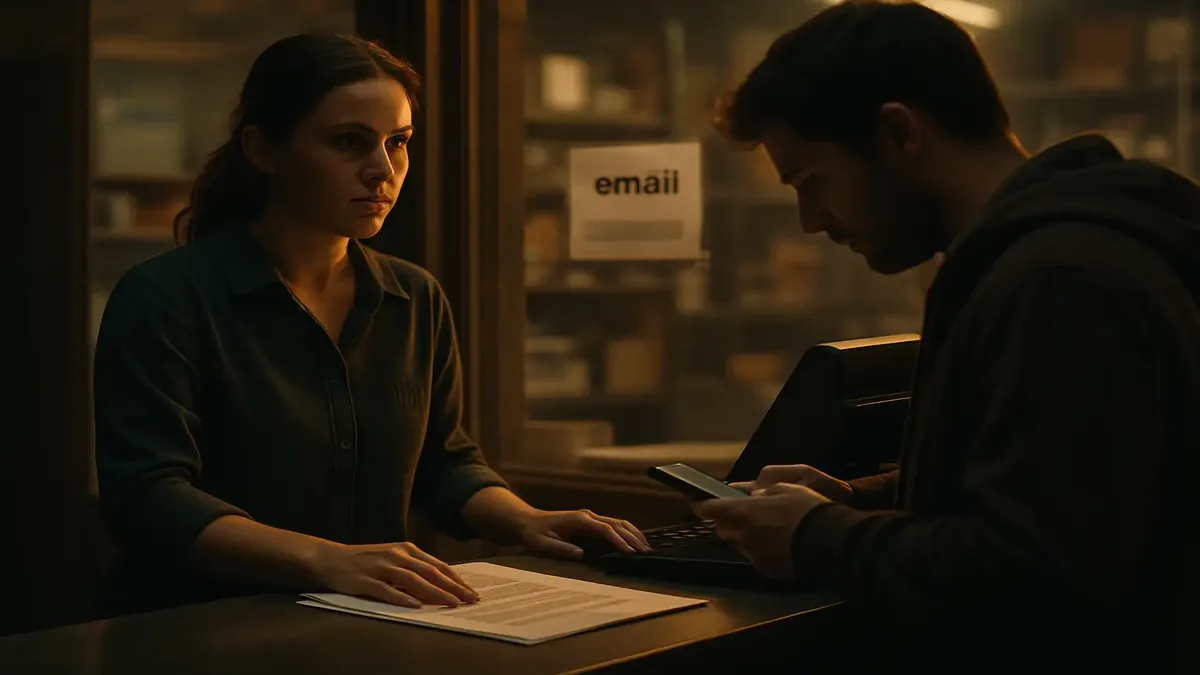
Let’s take a peek behind the lobby counter, where patience is tested, bottled water is gold, and “customer service” means saying “no” with a smile a dozen times a night.