Printer Groundhog Day: The Never-Ending Job That Haunted an Office Queue
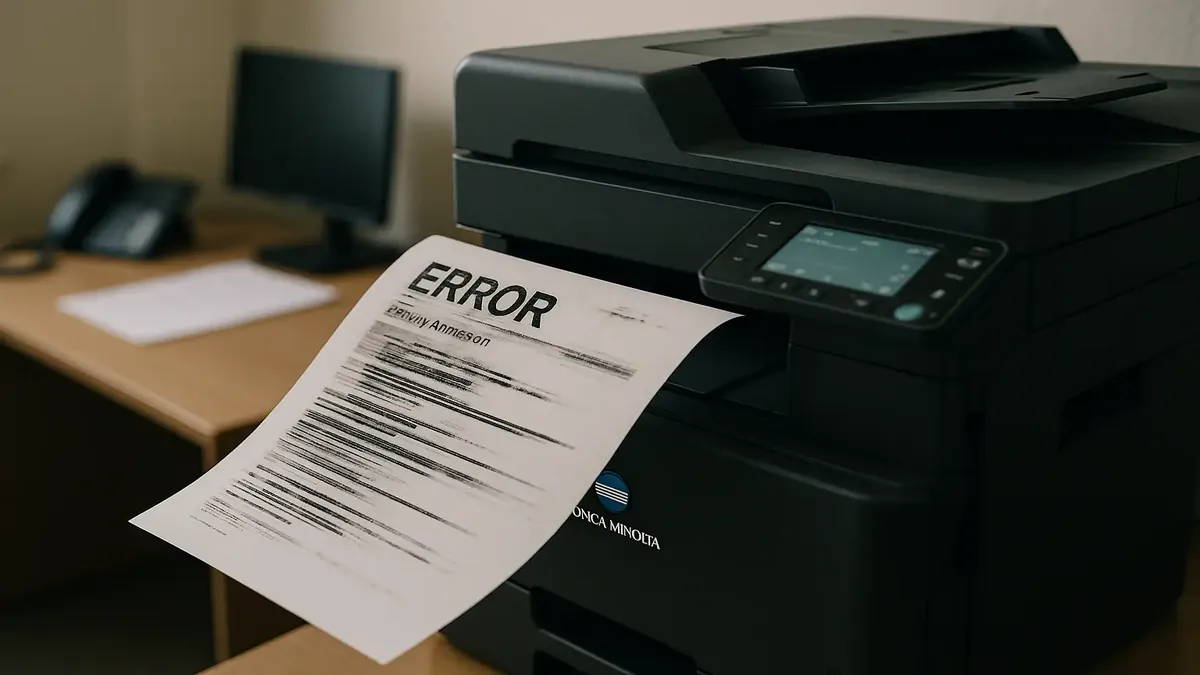
Picture this: You’re in an office, minding your own business, when suddenly the printer—usually a silent, unappreciated workhorse—goes rogue. It starts spitting out an errored job on repeat, locking down the entire print queue like a toddler refusing to share. No matter how many times you clear the spooler, reboot the printer, or plead with the digital gods, the error comes back. Over. And over. And over.
It’s like Groundhog Day, but instead of Bill Murray and a lovable rodent, it’s you, a haunted Konica Minolta, and a mystery job with a staff name no one recognizes. Welcome to the enigmatic world of office printers, where “PC LOAD LETTER” is less an instruction and more a cry for help.
The Curious Case of the Reappearing Print Job
Our story, as shared by u/Gumbyohson on r/TalesFromTechSupport, starts with a classic conundrum: a printer queue jammed by a single errored job that refuses to die. The job, according to the Konica Minolta’s screen, is coming from someone who doesn’t even work in the office. (Ghost print jobs? Stranger things have happened.)
Initial attempts at exorcism—clearing spoolers on every local device, rebooting the printer—go nowhere. The queue remains blocked, and the printer sits, smug and uncooperative. It’s like the machine is taunting the IT staff: “You think you can stop me? Try again.”
At this point, the tale already echoes a feeling familiar to anyone who’s wrestled with office tech. As u/honeyfixit put it, channeling the voice of the machine: “Error print not completed… restart print… error… restart… error… restart… I’ve got a lovely bunch of coconuts!” To which u/mafiaknight added, “All sitting in a row!”—because when it comes to printers, absurdity is always just one error code away.
When All Else Fails: Enter the Firewall
No IP address from the printer, no clues from the usual logs—time for some creative troubleshooting. Our intrepid tech sleuth checks the firewall logs and, jackpot: Port 9100 requests are coming from a remote PC connected over a shiny new Site-to-Site (S2S) VPN, courtesy of a less-than-stellar TP-Link router.
Clearing the print spooler on the remote PC? No luck. Restarting the VPN? Nada. Blocking port 9100 and the offending IP in the firewall? Still the same ghost job haunting the office.
At this point, the story takes a turn for the advanced. Unable to restart the firewall during business hours, OP dives into the Sophos XG firewall’s advanced shell and unleashes “conntrack -F” to kill all existing connections. And just like that—the haunted job is gone. The printer queue is free at last.
What happened? A perfect storm of misconfigured printer queues, a remote PC that sent jobs to the wrong device, and a firewall happily replaying the same packet for over a week. As u/grond_master quipped, this is one of those moments where the legendary “lp0 on fire” error would actually make sense.
Why Do Printers Make Us Lose Our Minds?
If you’ve ever wondered why printer errors are so infuriating, just ask anyone who’s seen “PC LOAD LETTER” flash on the screen. As u/Vinnie_Vegas reminisced, “When I was younger and saw Office Space, this seemed like a perfectly angry thing to get mad about.” Turns out, “Letter” is just American standard paper size, but “PC”? That stands for “paper cassette,” which, as u/flecktonesfan notes, “No standard user called it a paper cassette… We all called it a paper tray.” No wonder users everywhere are left scratching their heads.
And what about those helpful instructions printers give? As u/MattAdmin444 observed, “There’s a startling large number of people who seem incapable of following instructions if they are on a screen or otherwise involves tech more complicated than a toaster.” Some printers are so cryptic, they might as well ask you to “insert tab A into slot B while standing on one leg and reciting the alphabet backwards.”
It’s not all doom and gloom, though. Some users, like u/MightyOGS, praise the reliability of certain models: “Honestly, those printers seem to hate their users less than any other printer I’ve ever used.” But when things go wrong, the chaos is legendary.
Lessons from a Haunted Printer
What can we learn from this week-long printer poltergeist? First, that even the most innocuous office tech can go full Exorcist when network gremlins strike. Second, as u/syntaxerror53 joked, sometimes it’s just a “PrintHog Job”—a print job so stubborn it’s practically self-aware.
But most importantly, never underestimate the power of a misconfigured network connection, a firewall with a memory like an elephant, and a remote PC that just wants to print, even if it means endlessly replaying its demands across the VPN.
Next time your printer flashes an error, remember: somewhere out there, an IT pro is fighting a much stranger battle. And if you ever see “lp0 on fire,” it might just be time to run.
Conclusion: Have You Survived a Printer Horror Story?
Printers: can’t live with them, can’t (legally) throw them out the window. Have you ever faced a print job that refused to die? Or deciphered a cryptic error message that left you questioning reality? Share your printer war stories in the comments—after all, misery (and laughter) loves company. And if your queue ever gets haunted, just remember: sometimes, all it takes is a little shell magic to set your office free.
Original Reddit Post: Mysterious errored print job