The Apple Store Chronicles: When “Kevin” Meets MacBook Air (and Logic Flies Out the Window)
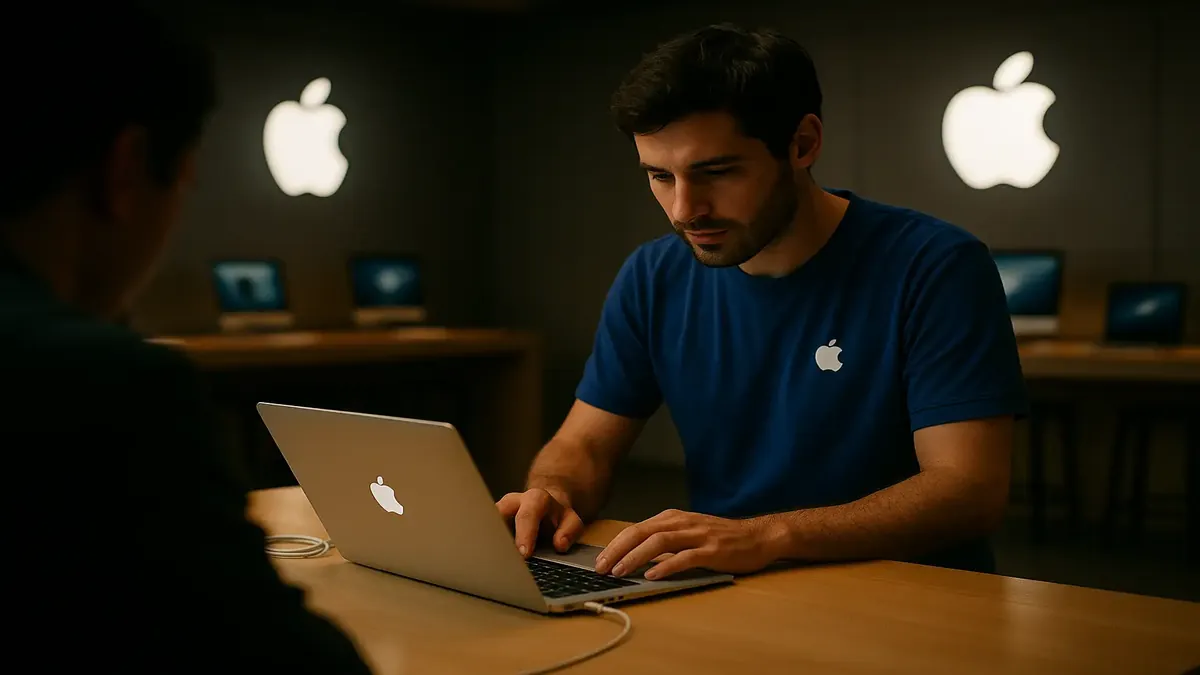
If you’ve ever braved the glowing, minimalist halls of an Apple Store seeking tech salvation, you know the feeling: hope mixed with dread, anticipation tinged with anxiety. Will you meet a Genius, or… well, someone a little less than that? Redditor u/DancinginHyrule’s story, “Kevin working at the Apple store,” is a masterclass in what happens when a customer’s tech savvy collides with a “Kevin”—the Reddit shorthand for that special someone whose logic is… unique, to put it kindly.
It’s 2009 or 2010. The MacBook Air is the talk of the town: thinner than a magazine, lighter than your coffee, with a single, precious USB port and—crucially—no CD drive. Our protagonist’s MacBook Air, a pioneer in minimalist design, suddenly refuses to recognize any USB devices. Panic! Off to the Apple Store they go, only to find that the gatekeeper to their tech rescue is Kevin: the lone employee, holding down the sleek aluminum fort on a slow day.
The Scene: “Have you tried… turning it off and on again?”
After describing the issue—USB port not working, both on Windows and MacOS (then known as “iOS” in the story, but we’ll forgive the typo)—Kevin springs into action with the confidence of someone who once fixed a printer by poking it.
Kevin examines the MacBook Air, squinting at it as if he’s about to perform open-heart surgery. He spots Windows running and immediately pounces: “I see it’s running Windows, that’s probably the problem.”
Our hero, not new to tech, gently corrects him: “It has both MS and iOS and it was doing fine for the last year. I highly doubt that’s the reason.” But Kevin is undeterred, suggesting they switch from Bootcamp (Apple’s way to run Windows on a Mac) back to MacOS. They do. The USB port is still deader than dial-up.
Now, if you’ve ever had a hardware issue, you know the signs: the universal, cross-platform refusal to work, the tragic silence of a non-blinking USB flash drive. But Kevin? Kevin has another idea: “Have you tried reinstalling it?”
Reinstalling what, exactly? The operating system? The port? Reality itself? Our protagonist, with the patience of a saint, explains that reinstalling MacOS is not their typical fix for a dead USB port—especially when both operating systems have failed. But Kevin doubles down: “Well that’ll probably fix it if you do.”
Cue the long, awkward stare—a universal moment where customer and employee both realize they are living in different technical realities.
The Plot Thickens: “Did you make a backup?”
Kevin, perhaps realizing he’s out of his depth, finally suggests sending the MacBook in for repair. “Did you make a back-up?” he asks.
A reasonable question… except for one problem: “No, the only USB port isn’t working,” our protagonist replies, with the subtle grace of someone who knows this is not their first rodeo.
Kevin, defeated, stares into the abyss. You can almost hear the dial-up tone in his head as the gears grind to a halt. Sensing that no amount of “Genius” will fix this, our hero requests the information for the nearest authorized repair shop and beats a hasty retreat.
The Real Heroes: Authorized Repair Shops and Common Sense
At the authorized repair center, the diagnosis is swift: defective USB port. No drama, no OS reinstalls, no existential crises—just a new port and, as a thoughtful bonus, a back-up. The entire ordeal is resolved in less than a day, with minimal fuss.
What’s the lesson? Sometimes, the “Genius” you need isn’t the one in the blue shirt but the one in the quiet repair shop around the corner.
Why We Love Stories About Kevin
This tale is more than just a laugh at (or with) Kevin’s expense. It’s a reminder that not all tech support is created equal—and that sometimes, the most basic troubleshooting (like, is the hardware actually broken?) beats reinstalling entire operating systems or embarking on wild goose chases through software menus.
It also highlights the importance of advocating for yourself as a customer. Politely but firmly pointing out logical inconsistencies and asking the right questions can save you time, money, and sanity.
Have You Met a “Kevin”?
If you’ve ever had a tech support experience that left you scratching your head—or doubled over with laughter—tell us below! Share your own Stories About Kevin (or “Karen,” or even “Chad”) in the comments. And remember: If you ever need a backup, make sure your USB port works first.
Your turn: What’s your most memorable tech support moment?
Original Reddit Post: Kevin working at the Apple store