The Case of the Vanishing Screen: Tech Support’s Brightest (and Darkest) Mystery
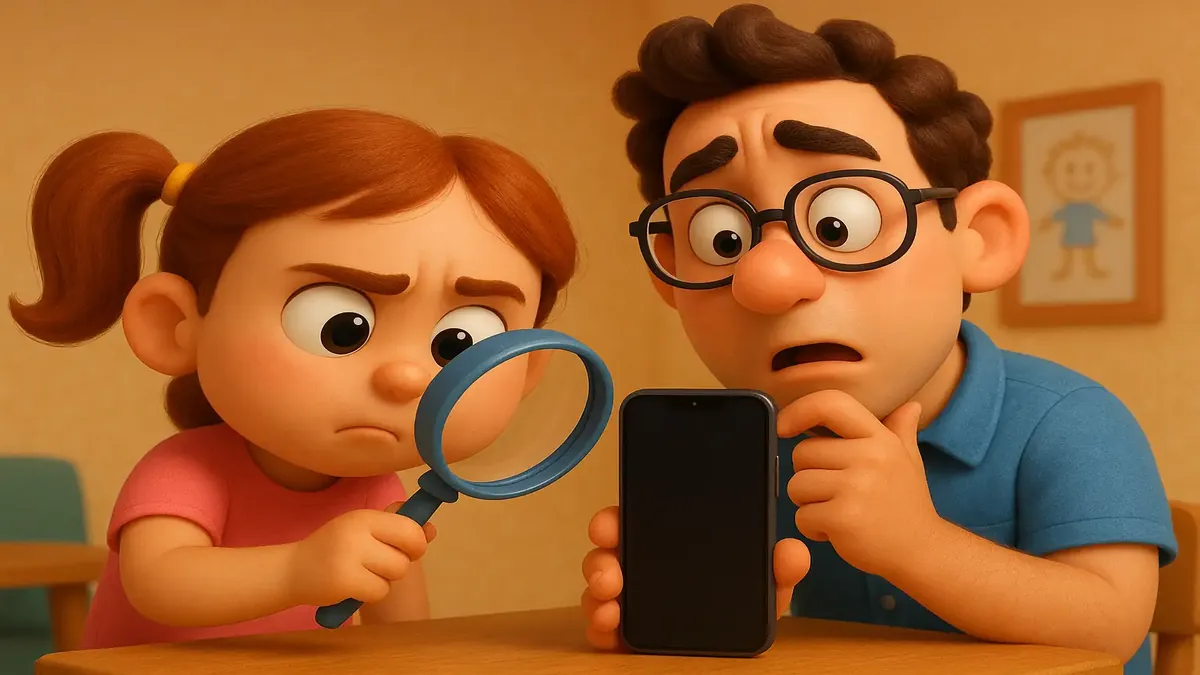
If you’ve ever been the “tech person” at your job, you know the drill: weird computer issues, cryptic user complaints, and the occasional existential crisis over a printer jam. But sometimes, tech support mysteries are so classic—and so relatable—they deserve a place in the IT Hall of Fame. Today’s mystery? The case of the “dark phone screen” that had an entire support team chasing ghosts (or at least, Schrödinger’s email).
It starts innocently enough: a client complains their government-issued Android phone is “too dark” to use. Coworkers escalate, service providers are called, and a multi-day quest for a magical verification email ensues. What could possibly be wrong with the phone?
The Friday Afternoon Darkness Descends
Let’s set the scene: our hero, u/eliseswl, is the unofficial IT wrangler for a residential program supporting people with disabilities. These clients often get government-issued phones—rugged, reliable… or, let’s be real, “accident-prone” budget Androids that seem to attract mysterious malfunctions. So, when a client says her screen is too dark to see, panic ripples through the staff.
But for u/eliseswl, Friday at 4:45 PM is sacred. (Every tech support veteran knows: Never, ever start a new IT ticket on a Friday afternoon unless you crave chaos.) So, the team logs the problem, and by Monday, the saga has escalated.
Shift reports tell a tale of increasing desperation: service providers are called, emails are promised but never received, and the screen is now “getting worse.” One coworker laments that the provider refuses to help without a verification pin “schrodinger’s email” is supposed to deliver. The team is stumped, the client frustrated, and the phone remains stubbornly dim.
Occam’s Razor vs. IT Clown Shoes
It’s at this moment that our protagonist finally steps in. As u/eliseswl recounted, “I’m staring at my computer like the confused math lady,” before taking a stroll down the hall to see the problem firsthand. One swipe down on the Android’s menu later, and the culprit emerges: the brightness slider is all the way down. Case closed.
If you’ve worked in tech support, you probably saw this coming before the big reveal. In fact, as u/Reinventing_Wheels quipped, “Brightness setting was my guess purely based on the post title.” It’s an answer so obvious, it’s easy to overlook—especially if you’re not the one actually holding the phone.
But the real comedy (and horror) here isn’t just the simple fix—it’s that the issue was escalated for two days without anyone checking the most basic setting. As u/Euphoric-Series-1194 wryly observed, “The fact that your coworker spent two days escalating this to the service provider instead of checking the settings is true horror.” Tech support professionals everywhere felt a shiver down their spines and a familiar urge to facepalm.
Tales from the Trenches: This Happens More Than You Think
If you’re shaking your head, you’re not alone. Commenters poured in with their own tales of “brightness mysteries,” proving that this is no isolated incident. u/curtludwig shared how his mother-in-law’s phone would get “broken” after a nephew played with it—only for him to perform the ultimate party trick: “I took the phone, disappeared into a dark room and came out with a working phone.”
Others pointed out that adaptive brightness can make matters worse, with u/anubisviech noting, “It gets even better when the person gets the phone into bright light to see more, only for the screen to become even darker. Adaptive brightness can be a [pain] as well.”
And it’s not just phones. The community recalled similar sagas with laptops, monitors, and even Outlook inboxes. As u/IFeelEmptyInsideMe remembered, “He had minimized the today section in his Outlook.” Sometimes, the solution is right there—if only someone looks.
The Human Side of Tech Support (and a Few Lessons Learned)
So why does this happen? As u/eliseswl [OP] mused in the comments, “I genuinely believe to this day that [my coworker] wouldn’t have stopped until the phone got replaced.” In environments where staff may not be tech-savvy, it’s easy to overlook the simplest explanations in favor of complex troubleshooting.
The lesson? As u/Z4-Driver wisely stated, “If you’re close enough to the user, in such a case it’s support 101 to first go and take a look at the phone yourself. So you can check if it’s just the brightness turned down or the phone turned off or…” The simplest solution is almost always the best place to start. Occam’s Razor, people!
But perhaps the best part of this saga is the camaraderie among the tech support community. The comments thread is a treasure trove of solidarity, gentle ribbing, and the shared knowledge that in IT, no problem is ever too small—or too silly—to stump even a seasoned team.
Conclusion: Let There Be Light (and Laughter)
In the end, the “mystery of the dark phone screen” is a reminder that tech support is as much about empathy and patience as it is about technical know-how. It’s about meeting people where they are, ruling out the obvious, and maybe—just maybe—checking that brightness slider before you call the service provider (or summon an eldritch monster, as one commenter joked).
Have you ever solved a “mystery” like this one? Share your funniest (or most facepalm-worthy) tech support stories in the comments below. And remember: when in doubt, turn it off and on again—or at least, turn up the brightness!
Original Reddit Post: the mystery of the dark phone screen