The Great PDF Mystery: How a File Extension Turned Tech Support Into a Detective Story
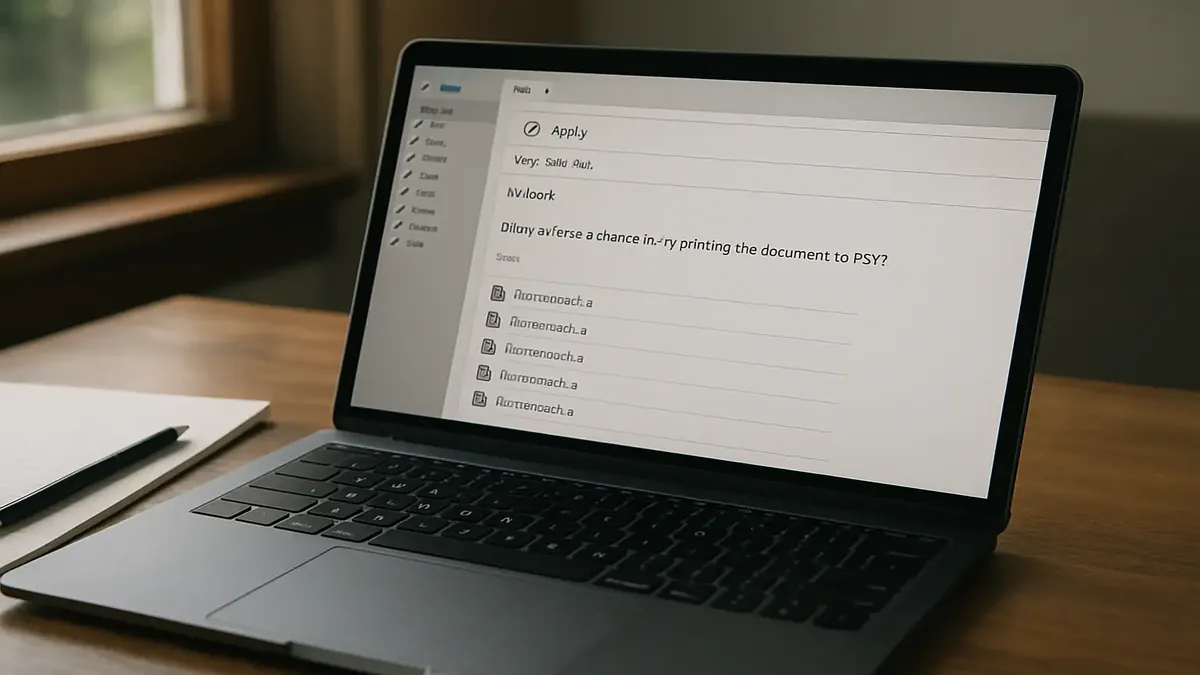
There are days in tech support when the universe seems determined to test your patience—and sense of humor. You brace for the usual password resets and printer woes, but then a ticket lands in your queue that reads: "Why can’t I save as PDF?????" What could possibly go wrong with one of the most basic computer tasks? As it turns out, quite a lot—especially when humans, hidden file extensions, and creative naming schemes collide.
This is the story of how a simple request spiraled into a comedy of digital errors, pitting tech support against the quirks of Windows, user habits, and the age-old problem of what, exactly, to call your files.
When "Save As PDF" Becomes "Save As... What?"
The tale begins innocently enough: a user struggles to save documents from a third-party website as PDFs. She attaches a screenshot revealing a lineup of files with the mysterious ".a" file extension. The tech support hero, u/said-what, valiantly steps in, offering classic instructions on how to “print to PDF” in Windows.
Crickets. Not a single reply—until the user finally resurfaces, explaining that the problem is hard to document because it happens only occasionally. The plot thickens. Why on earth would Print to PDF save a file as ".a"? Is it a website bug? A rogue browser extension? The mysteries multiply.
Finally, fortune favors the persistent: the user calls in while the issue is happening. Our tech detective remotes in, ready for action. As he watches, the user carefully types “travel 12.15.2026.a” into the filename box and hits save.
"Why did you type .a at the end of the file?" he asks.
“It’s part of my naming scheme,” she replies.
Cue the sound of a thousand IT professionals collectively facepalming.
The File Name Follies: Dots, Dashes, and Digital Disaster
If you’ve ever wondered why IT folks have trust issues with file names, look no further. As Redditors in the comments pointed out, file naming conventions are more than just a matter of taste—they can make or break your workflow.
u/Chocolate_Bourbon chimed in with a life lesson: “Underscore is your best friend with file names. I even do it in my personal life now. My wife is not amused.” Meanwhile, u/Nem0x3 confessed to using camelCase and underscores religiously, thanks to traumatic encounters with spaces on Linux systems. Modern operating systems may be more forgiving, but as u/Unique-Coffee5087 notes, “it’s a good habit because if you try to import a list of filenames into a spreadsheet, it will make really odd decisions about those spaces unless you bracket file names in quotation marks.”
But why did Windows save the file as ".a" instead of ".pdf"? Here’s where the technical nitty-gritty comes in. By typing “.a”, the user was instructing Windows to save the file with that extension. Since Windows hides extensions by default, she never saw the ".pdf" disappear—she just saw her beloved ".a" at the end. As u/ThatUsrnameIsAlready pointed out, “Windows never should have made hiding extensions default, then we wouldn't be in this mess.”
The plot twist? The user in question was the department head. As u/L0pkmnj quipped, “Dear manager of CC'ed end user, Investigation determined unusual naming scheme. Is this a departmental convention?” OP’s reply: “She is the department head 😢.” Sometimes, even the best in the department can lead everyone right off a digital cliff.
The Hidden Extension Epidemic
Much of the chaos stems from Windows’ long-standing habit of hiding file extensions from users. As u/krypt-lynx put it, “I will argue this is OS design failure and not user's failure.” When extensions are hidden, users can blithely add their own ".a" or ".final" or ".v2", unaware they’re overwriting the real extension the system expects.
Some commenters argued for better user education. u/babarock spent “decades” trying to steer users away from dots and spaces, favoring underscores for clarity. Others, like u/ThatUsrnameIsAlready, blamed the OS: “Programs need to handle hidden extensions correctly, or users need to unhide them and know what they're doing.”
And then there are the users who just can’t help themselves. From the contractor who littered file names with hashtags (u/OinkyConfidence) to those who embrace case sensitivity as a form of chaos (u/red-frog-jumping), the community’s war stories prove that naming files is a battlefield.
Lessons Learned (or Not): How to Survive the File Name Jungle
What’s the takeaway from this saga? First, never underestimate the creativity (or stubbornness) of users. Second, show file extensions and teach your users what they mean. As OP discovered, sometimes the solution isn’t a new process or a software update—it’s a simple conversation about how Windows treats file names.
A few practical tips from the trenches: - Use underscores or dashes, not dots, in your naming schemes. - Don’t hide file extensions! Make them visible so users know exactly what they’re saving. - If you must have a custom identifier, put it before the extension (“travel_2026a.pdf” beats “travel_2026.a” every time). - Remember: when in doubt, ask the user to show you their process. You might discover the missing piece is just a dot in disguise.
And if you ever find yourself in tech support, facing yet another “Why can’t I save as PDF?” ticket—take a deep breath, consult your favorite Reddit thread, and prepare to be amazed. Users, as our OP put it, will never cease to amaze.
Join the Conversation!
Have your own file naming horror story? Do you side with underscores, dashes, or are you a closet space-user? Share your thoughts, tips, or facepalm moments in the comments below. And remember: the next time you save a file, double-check that extension—your tech support team will thank you.
Original Reddit Post: Why can’t I save as PDF?????