The Never-Ending Ticket Parade: Adventures in Tech Support and User Customization
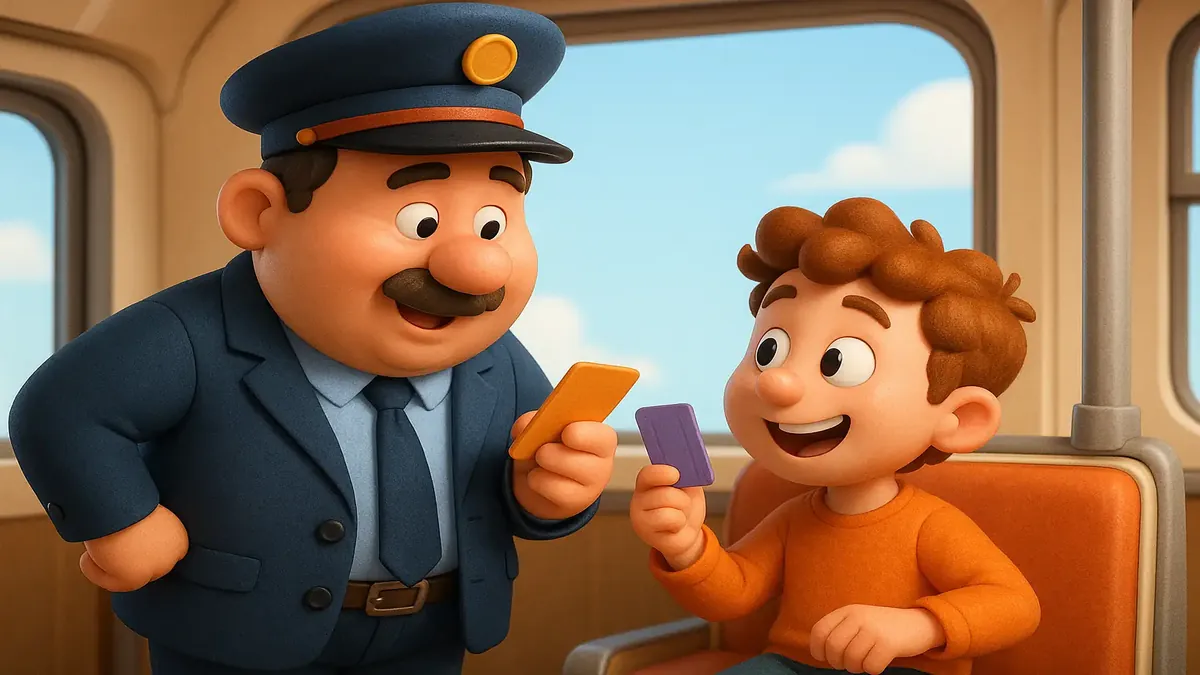
“Thank you for calling the IT help desk, this is…” If you’re already finishing that sentence in your head, you know exactly where this story is going. Anyone who’s worked in tech support can tell you: it’s a world where logic and reason face off daily against the unpredictable, the impossible, and—sometimes—the outright absurd.
Today's tale comes from the wilds of r/TalesFromTechSupport, where one help desk hero wades through a sea of tickets, customization requests, and user confusion, all while trying to keep both the company's policy and the customer’s patience intact. Buckle up—this ride’s got more twists than the cables behind your monitor.
The Ticket Tango: When Every Question Spawns a New Quest
Our protagonist, u/Braham9927, opens the story with a scenario every IT pro knows too well: A user calls in, asks for help, and suddenly, it’s a cascade of issues—each one deserving its own ticket. Company policy demands it, but the user? Not so much.
“Why are you creating more tickets? I’m just asking questions!” the customer protests after a flurry of support emails start hitting her inbox.
As Braham9927 patiently explains, “I need to keep a record for everything that was reported here.” But as one community member, u/slowhand53, points out, there may be a survival trick here: “LPT: create and close the tickets AFTER the call. User will read the closure before the open, so less blowback.” If only it were that easy, right?
But tickets aren’t just bureaucracy—they’re a shield. As u/Geminii27 wisely observes, users don’t always realize what’s customizable and what isn’t. To them, “changing the default display order… is the same level of wizardry as rewriting Windows to look and operate identically to macOS, or making their computer read their mind.” Better to record it all than risk getting burned by forgotten requests.
The Control Conundrum: Why Users Want to Customize Everything
The heart of this saga isn’t just tickets—it’s the endless drive for customization. The caller wants the “desktop” folder in Quick Access to look different from her actual desktop (spoiler: it literally can’t). She wants to handpick what shows up in Recent Items. She wants to see how much OneDrive space is left out of her company’s 25TB (hint: it’s unlimited… for her).
As u/Zoleish sums up, “Some users are just so nit-picky about the most insignificant things.” But there’s more beneath the surface. The OP notes, “She came off as the kind of person who had to be in control. When the computer was running some automatic functions… she started to lose that feeling of control.”
This resonated with u/SeanBZA, who warns, “Wait till she realises just how many services run automatically in the background… plus automated tasks as well.” Turns out, the modern OS isn’t just a tool—it’s a swirling mass of automation, updates, syncing, and background jobs, all designed to make things easier… unless you need to control every pixel.
The Great Migration: When Change Breaks Brains (and Workflows)
Amid all this, the community can’t help but reminisce about tech transitions past. As u/Zoleish recounts, moving from a local file server to OneDrive unleashed a tidal wave of complaints: “People are gonna lose their minds when Microsoft ditches Classic Outlook and forces everyone to use New Outlook.”
And when change does come, it’s not just the nit-picky—everyone feels it. u/6chimera6 describes the chaos after a Teams update and the short-lived New Outlook: “So many people freaked out. I actually prefer New Outlook… but it's blocked on our (government) systems currently.” Meanwhile, u/DimensioT adds, “As someone who tried the new Outlook for a while: the block is justified. I switched back after finding too many missing features.”
As for feature requests that can never be fulfilled? u/paladinsama nails it with some classic tech support satire:
"I put the mirror in my study, and now all my books are duplicated. It looks so cluttered. Can you remove all those books from the mirror? I didn’t ask for a mirror with misprinted books."
Sometimes, the requests are so far removed from reality, all you can do is smile, nod, and escalate to Tier 2.
The Human Side: Laugh, Cry, Repeat
What ties all this together—besides the tickets—is the humanity on both sides of the call. Users want their workspace to make sense. Techs want to help (and not lose their minds). Sometimes, both fall short.
u/dplafoll expresses the frustration many feel: “This is the kind of person who needs help from both their neurons to fasten their velcro shoes…” But, as u/Geminii27 gently reminds us, users “may as well ask. It’s just annoying when they're told 'No'… and decide that this means 'Yes if I wheedle or bluster enough.'”
And for the techs? Sometimes you have to channel your inner action hero, like u/Ellwood34:
“She says, ‘Can we escalate this?’ I said, ‘I am the escalation.’ She shut up and let me solve her issue.”
In the end, it’s about patience, boundaries, and a shared desire to make things work—even if it takes a never-ending parade of tickets to get there.
Conclusion: Share Your Ticket Tales!
If you’ve ever found yourself knee-deep in tickets, arguing with a desktop shortcut, or explaining (for the hundredth time) why the computer does what it does, you’re not alone. The tech support trenches are deep, and the stories are legendary.
What’s your wildest help desk tale? How do you handle the eternal ticket parade or the quest for ultimate customization? Drop your stories (and your best user analogies) in the comments—because if there’s one thing IT pros love, it’s knowing we’re all in this together.
Original Reddit Post: Tickets Please