The Smart TV That Made an AirBnB Owner Cry: A Cautionary Tale From Tech Support
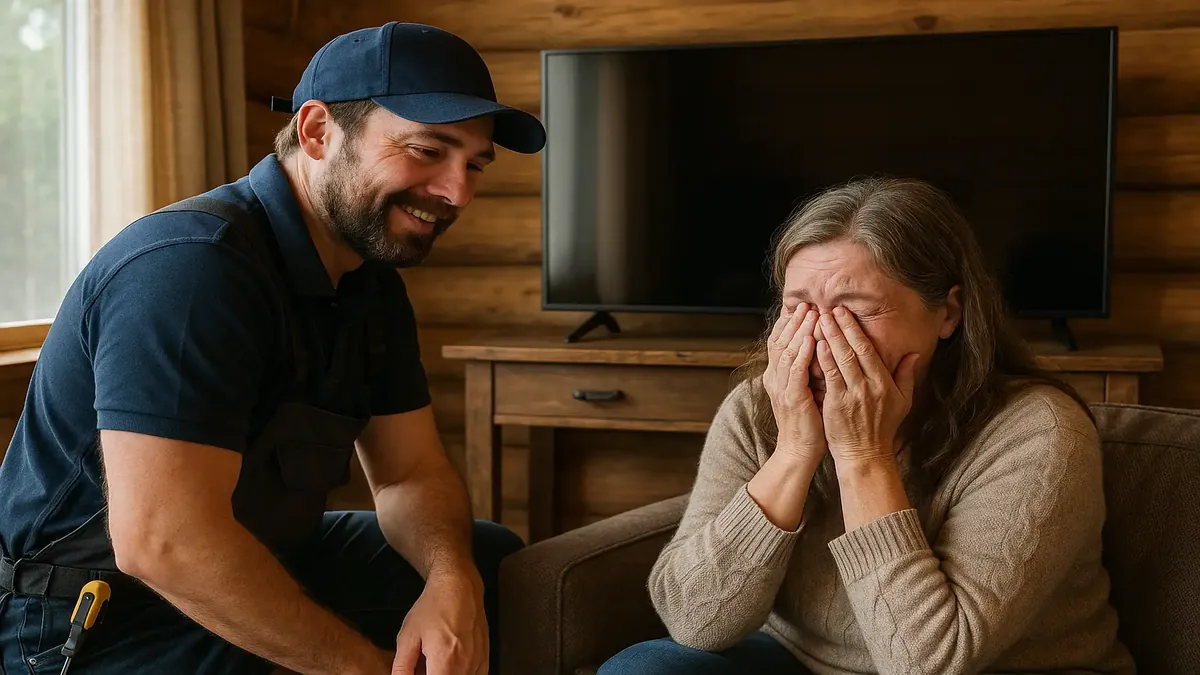
If you think tech support is all about ones and zeros, wait until you hear about the time a simple TV swap in an AirBnB cabin ended in tears—literal tears. This isn’t your typical “turn it off and on again” story. It’s a saga of smart TVs, streaming snafus, and the kind of frustration that can push even the calmest host to the brink.
Meet our protagonist: a battle-hardened tech support guru, summoned once again by a repeat customer to work his AV magic in a rustic rental cabin. The job: install a shiny new “smart” TV, replacing the old “dumb” set—one that, as we’ll see, was far more suited to the wild world of short-term rentals than anyone guessed.
The TV That Was Too Smart for Its Own Good
Our story kicks off with a classic setup: guests today expect Netflix, Disney+, and every streaming bell and whistle. The previous TV setup was simple—no internet, no apps, just a Chromecast for guests to cast content from their own devices. No muss, no fuss, and, crucially, no sticky account residue left behind.
But as the Redditor known as u/ol-gormsby recounts, the customer’s husband, acting on impulse (and possibly caffeine), dashed off to buy the cheapest smart TV he could find. Enter the TCL Android TV—a device so “smart” that it refused to let anyone use its features without logging into a Google account.
As our tech pro soon discovered (and demonstrated), this TV’s insistence on a permanent Google login created a security and privacy conundrum. You can’t leave it signed in with the owner’s account (unless you want strangers watching Squid Game on your dime). You can’t count on guests logging out, and removing the last account triggers a full factory reset—erasing channels, apps, and everything else. Forget “plug and play”—this was “plug and pray.”
When Tech Gets Too Clever—and Everyone Pays the Price
The response from the AirBnB owner was, in a word, emotional. As the full implications of the “smart” TV dawned, frustration boiled over—at the TV, at her husband, and at the world that made streaming a minefield for hosts. When the old, blissfully offline Sony TV was finally reinstalled, the customer actually wept with relief.
But why was this such a big deal? As the Reddit community pointed out, the liability risk of leaving accounts signed in on shared devices is huge. One top commenter, u/SengU87, nailed it: “Leaving the account there lets future guests in someone else’s Netflix account... Chromecast depends on the apps to be logged in on a guest's smartphone... Nothing stays on the TV/box when they leave, removing that liability and maintenance.” It’s not just about convenience—it’s about protecting both the owner and the guest from digital shenanigans.
Some readers, like u/froot_loop_dingus_, suggested simply creating a “Guest” Google account for the TV. But as u/LustForLulu and the OP pointed out, this doesn’t solve the full problem: what if a guest logs into their own Netflix or Amazon account and forgets to log out? Hosts could be liable for whatever happens next—think accidental purchases, awkward recommendations, or even legal headaches.
Community Wisdom: Cables, Casts, and Cautionary Tales
The r/TalesFromTechSupport thread quickly became a master class in streaming setup do’s and don’ts. Several commenters, like u/megared17, advised bypassing “smart” TV features altogether: “Use a separate streaming box connected via HDMI. Roku, Android, Fire Stick... And any TV that cannot accept and display an HDMI feed without being Internet connected is garbage.” The original poster agreed, lamenting that the customer’s old Chromecast setup was far less hassle than the new “smart” approach.
And then there was the saga of the mysterious ethernet splitter. The customer’s husband, trusting the advice of a zealous sales associate, bought a two-into-one ethernet adapter—leading to some apps working, others not, and a whole lot of head-scratching. Commenter u/Way2trivial cracked the code: “Some streaming services use UDP instead of TCP... so certain apps work while others don’t.” Proof, as always, that the road to streaming nirvana is paved with protocol quirks.
But perhaps the most relatable moments came from commenters sharing their own AirBnB TV horror stories. u/waynemr confessed to accidentally wrecking a German family’s Netflix recommendations with a “massive number of zombie and slasher horror movies.” Oops. Another user, u/Scoth42, recounted the accidental sign-up of an Amazon Prime trial on someone else’s account, with no way to cancel. These tales are funny—until you realize they’re happening every day, in rentals everywhere.
Lessons Learned: The Perils of “Smart” Tech in Shared Spaces
So what’s the takeaway for AirBnB hosts, techies, and anyone tempted by a “smart” deal at the local appliance store? First, not every upgrade is an improvement. Sometimes, the dumbest technology is the smartest choice—especially when it comes to privacy and maintenance.
As u/ol-gormsby [OP] summed up in the comments, there’s a “fine balance between owners and guests... and the things that owners DON’T want to happen.” The best tech support pros aren’t just fixers—they’re advisors, educators, and, occasionally, therapists for the digitally overwhelmed.
In the end, our hero got a grateful (if teary) customer, a cranky husband, and another story for the tech support hall of fame. Next time you’re tempted by the promise of a “smart” upgrade, remember: sometimes, less is more—and a good tech support friend is worth their weight in HDMI cables.
Have a Smart TV Horror Story?
Ever had a streaming disaster in a rental—or a “smart” device that made you want to cry? Share your tales in the comments! And if you’re an AirBnB host, what’s your go-to TV setup? Let’s trade tips, tech fails, and maybe a few laughs.
Original Reddit Post: Well, that's a first.