The Vanishing Notes: When Software Bugs Are Actually Human
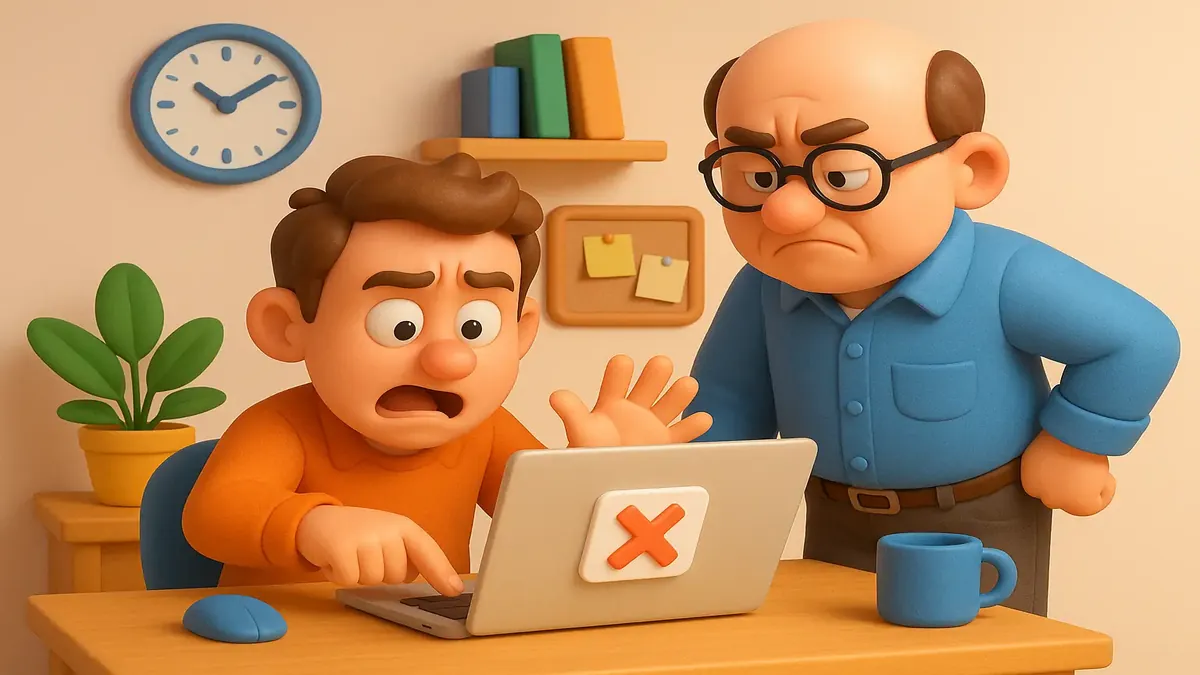
If you’ve ever lost hours of work to a seemingly “random” computer glitch, you’re not alone. But what if the villain isn’t the software… but you? Grab your popcorn and step into the world of tech support, where not all bugs are in the code.
Recently, a story from r/TalesFromTechSupport made the rounds, racking up thousands of upvotes and triggering a lively debate about user errors, questionable UI, and who’s really to blame when digital disasters strike. It’s a tale as old as copy-paste—except this time, the punchline is hidden in plain text (literally).
The Case of the Disappearing Data
Our story begins with a frantic user, convinced that the latest software update had turned their internal program into a work-eating monster. Ticket after urgent ticket landed in the helpdesk queue, each more desperate than the last: “The app is deleting hours of my work!” By the time tech support called, the user was ready to escalate—and possibly combust.
Enter u/Indigo_7Warden (the OP), the tech support hero of the hour. The investigation was classic: no crashes, no errors, no missing permissions, and no failed saves in the logs. The program, by all measures, was boringly stable. So where was the user’s work going?
The answer revealed itself during a shared screen session. The user had been diligently typing detailed updates into a “scratch box”—a temporary notes area meant for quick copy-paste tasks. The catch? This field wiped itself clean every time a record was closed, a fact noted in barely-there UI text that, let’s face it, nobody reads until it’s too late.
The moment of truth came when OP asked, “Where do you expect the data to be saved?” The user replied confidently, “In the record, obviously.” Oof.
Show Me Where You Saved It
This, dear readers, is where the r/TalesFromTechSupport community truly shines. As one top commenter, u/HowlVector, put it: “Nothing makes a ticket change direction faster than ‘show me exactly where you saved it.’” This is the tech support equivalent of “state your name for the record”—the moment when the mystery unravels and reality comes crashing in.
The OP gently explained the true function of the “scratch box” and pointed out the real save field. After testing and confirming the data was, in fact, saved when done correctly, the user fell silent. Finally, they muttered, “Well that’s not very clear, is it.” As OP noted, it was the most reasonable thing he said all call.
Yet, in a twist almost as funny as the original error, the user’s manager later thanked OP for “finding the bug.” Technically, a bug was found—just not in the software.
Bad UI or Bad User? The Blame Game
Was this really a “user error,” or did the software set a trap? The comment section erupted in debate. Some, like u/Mr-ShinyAndNew, sided with the user: “I blame the software for this. I’ve never seen a program that has a ‘this data is for throwing away’ feature like this… Users have actual work on their minds, not technical arcana.”
Others noted the design’s pitfalls: “This ‘feature’ is insane and the user was 100% correct,” said u/dominosci, while u/Geminii27 argued, “If it was an internal program, I 100% blame the design. The scratch box should at least have had a big-ass warning in it every time it displayed.” Several called for pop-up confirmations or bold warnings, not faint text that only appears after disaster strikes.
Still, many in tech support saw a familiar pattern. As u/VanorDM observed: “Pretty much every time once they do it with me standing there... they would do it the correct way.” The ticket’s urgency often evaporates the moment the user has to demonstrate their process live.
And then came the classic acronyms: PICNIC (Problem In Chair, Not In Computer), PEBCAK (Problem Exists Between Chair And Keyboard), the infamous ID10T error, and Layer 8 issues—jargon for “it’s a user problem.” As u/Oldfart_karateka quipped, these are “errors 40 centimeters from the screen.”
Lessons from the Trenches: UI, Empathy, and a Dash of Humor
So who’s to blame for lost work—the user, or the software? The consensus: both. Bad UI, like unclear scratch boxes, can set even diligent users up for failure. As u/robbob19 put it, “Nothing reduces dumb mistakes like good UI.” But as countless tech support veterans noted, sometimes the only bug is a misunderstanding of how things are supposed to work.
One thing everyone agreed on: empathy matters. As u/yesennes wisely said, “You’re not human if you’ve never been completely flummoxed by a mildly unclear UI. You’re not humane if you rage at tech support over it.”
And for those designing software: make warnings obvious, don’t hide critical info in tiny, pale text, and never assume users will “just know” what’s temporary. Your future self—and your helpdesk—will thank you.
Conclusion: The Real Bug Is in the Details
The next time you’re sure your computer is out to get you, remember: sometimes it’s the interface, sometimes it’s a “feature,” and sometimes—just sometimes—it’s you. And if you ever find yourself on the phone with tech support, be ready for the dreaded, “Can you show me exactly what you did?”
Got your own tales of digital disaster or design fails? Share them in the comments! After all, in tech support, misery—and laughter—love company.
Original Reddit Post: The software wasn't deleting his work, he was