When Your Printer Prints Secrets: A Hilarious Dive Into the Chaos of WSD Ports
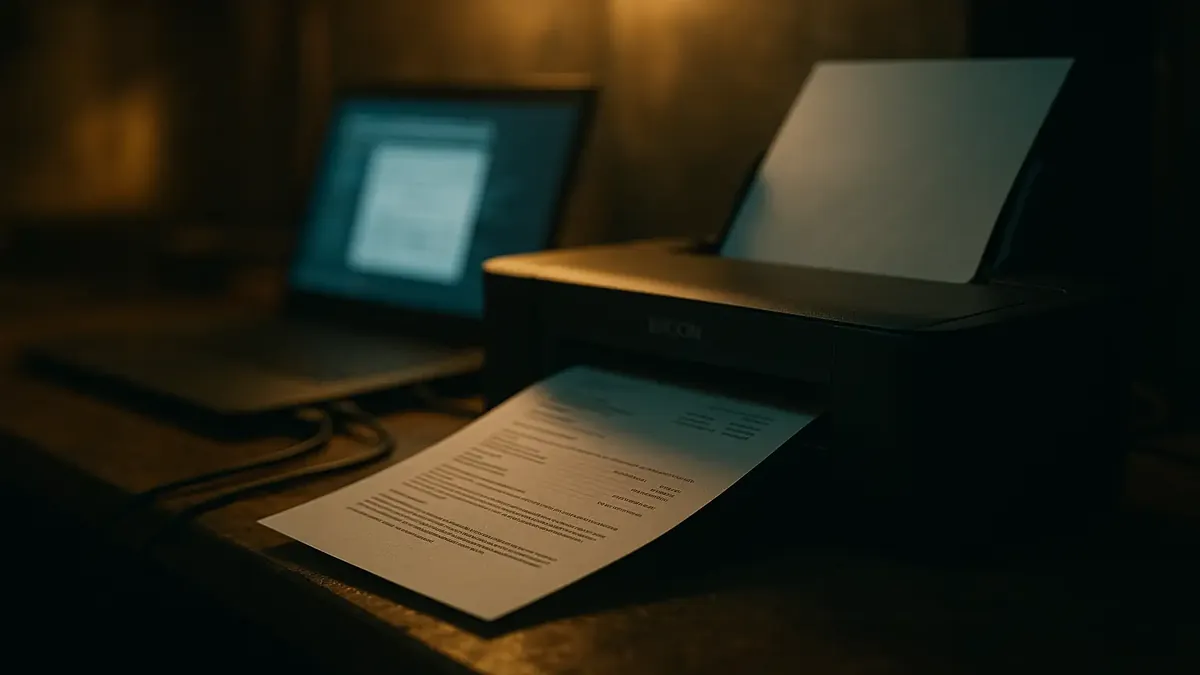
Picture this: You’re repairing a laptop, minding your own business, when suddenly—your workbench printer springs to life and spits out documents that definitely aren’t yours. The culprit? A little-known (and much-maligned) feature called WSD printer ports. If you’ve ever wondered what fresh chaos lurks in the world of printer networking, buckle up: this is a tale of accidental espionage, techie exasperation, and some of the funniest crowd-sourced wisdom the internet has to offer.
The Case of the Phantom Printouts
Let’s set the scene. Our hero, a seasoned tech support pro, is wrapping up a simple laptop screen repair. The laptop gets hooked up to the shop’s LAN for some post-op TLC. Suddenly, the shop’s humble Epson inkjet starts churning out print jobs—documents, it turns out, that belong to the laptop’s owner. Bewildered, our tech checks the laptop’s printer list. There it is: an Epson, just like the client’s, connected via a WSD port. Coincidence? Not likely.
The diagnosis? As the OP (u/joerice1979) puts it: “I’m ready to blame WSD, being the low hanging fruit that it is.” WSD—Web Services for Devices—is supposed to make printers easy to set up and use. In reality? It’s a recipe for surprise printouts, confusion, and, as we’ll see, much hilarity.
WSD: “Weally Shitty Drivers” or “What Sh*t Dis?”
Before we get too technical, let’s clarify: what exactly is WSD? As the OP helpfully explains, it’s a Windows protocol that, in theory, lets your computer automatically find and set up devices like printers. In practice? Well, the community consensus is clear and unflinching.
One commenter (u/OinkyConfidence) dubs it “Weally Shitty Drivers.” The OP chimes in with “What Sh*t Dis?”—a sentiment echoed throughout the thread. In fact, u/joerice1979 goes so far as to claim, “every time a WSD port gets used, God kills a kitten, or a piece of a family-technician’s soul anyway.” Ouch.
And the horror stories abound. According to u/meitemark, in big companies with endless printer lists, WSD can reduce your printer names to uselessly long, identical strings—making it impossible to tell which printer is which. Their solution? “User prints to all 1000 printers and 999 other prints get recycled. Easy!” (For the record, someone apparently tried this.)
Printpocalypse: When Convenience Becomes Catastrophe
So why do people use WSD if it’s so universally despised? In a word: convenience. Plug and play sounds great—until it isn’t. As u/HurryAcceptable9242 warns, “I always tell my family don't use WSD. Always take the time to install properly.” And for good reason: when WSD gets confused, it sends your printouts to any printer that even vaguely resembles your own—no checks for MAC addresses, serial numbers, or any unique identifier.
This is how you end up with sensitive documents printed next to office gossip (or in the case of u/paul70078, nearly sending family business to a neighbor’s printer broadcasting its own open WiFi network). “Direct print” features, meant for guests or convenience, end up being a privacy nightmare.
Other techs in the thread describe turning off WSD discovery entirely, especially when legacy systems or specialized software are involved. As u/lucky_ducker explains, “our relatively old financial software—running through Citrix—doesn't play nice with WSD printers.” When even the software can’t handle WSD’s quirks, you know you’re in for trouble.
The Community Speaks: WSD Must Die (But Will It?)
If there’s one thing that unites the tech support community, it’s a mutual loathing of WSD. “WSD is horrible and should NEVER be used,” says u/tkguru8, while u/Ttamlin adds, “The only thing WSD is guaranteed to do is break. All my homies hate WSD.” Even the OP admits to avoiding WSD due to its “shambling level of reliability.”
But the future isn’t looking any brighter, with Microsoft’s new “Windows Protected Print” (WPP) on the horizon—using, you guessed it, ports that show up as WSD. As u/Consistent-Jump-762 warns, “You are all in for a big surprise!” The OP’s response? A shudder and a wistful memory of the days when printing took “less than two minutes” with a tiny driver and a static IP.
For those curious about the security implications, rest assured: the OP clarifies the workbench network is isolated (“just so happened to have a printer on it, probably left on there for troubleshooting that never got finished”). But the real issue, as u/MrAkai points out, is that WSD never even tries to check for mismatched MAC addresses—“or a serial number or anything even slightly unique...”
Conclusion: Print Smarter, Live Happier
So what’s the moral of this techie tale? If you value your sanity (and your privacy), skip the “automatic” printer setups and do it the old-fashioned way: static IPs, clear names, and double-check those ports. As this wild ride through r/TalesFromTechSupport shows, WSD might promise plug-and-play, but it delivers chaos, confusion, and the occasional accidental leak.
Have your own WSD war story? Or a printer trick that’s saved your bacon? Drop a comment below—let’s commiserate, innovate, and maybe, just maybe, help a few more print jobs land in the right tray.
Happy (manual) printing!
Original Reddit Post: WSD printer ports