Why Tech Support Pros Lose Sleep: The OS Reinstallation Horror Story
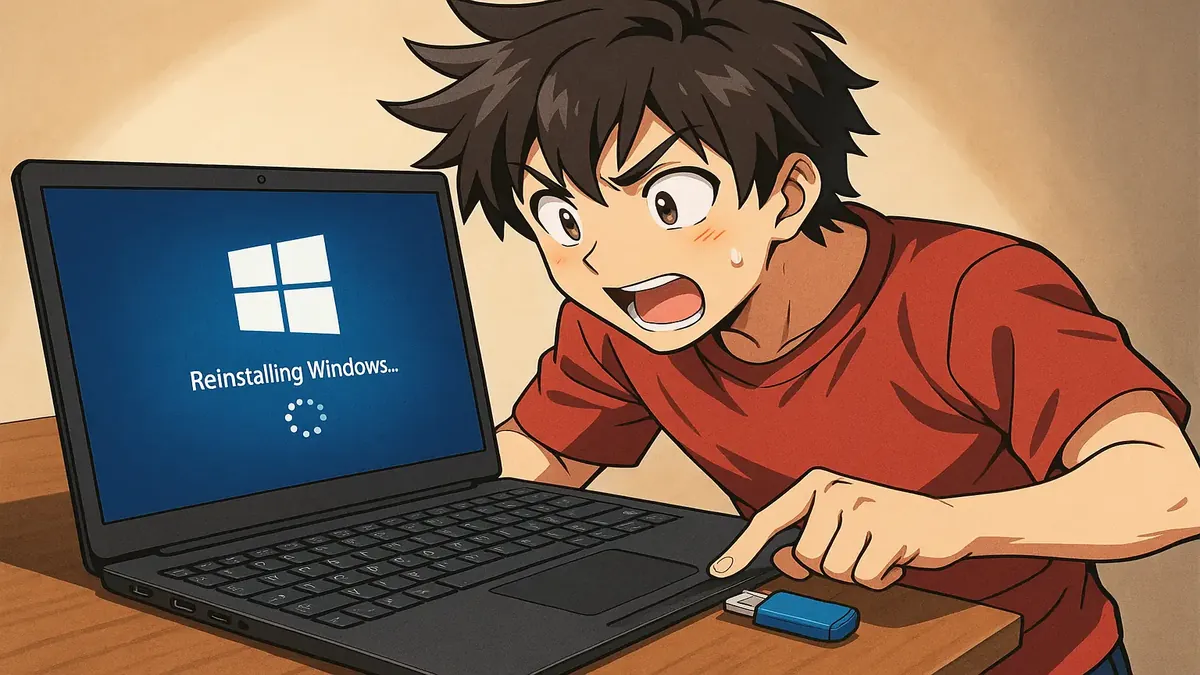
You think you know what “data loss” means—until you’re the one staring down a furious customer convinced you’ve “destroyed” their computer. Such is the fate of one heroic IT professional, who thought they were simply helping a client upgrade to Windows 11. Instead, they ended up on a wild ride of OS swaps, data recovery, and a crash course in the fine art of customer misunderstandings.
This is the tale of a well-intentioned Linux Mint install that spiraled into a mess worthy of r/TalesFromTechSupport legend. If you’ve ever worked tech support, you’ll feel seen. If you haven’t—buckle up for a behind-the-scenes look at how “just browsing the web” can turn into a digital disaster.
From Windows 10 to “Total Destruction” in Three Easy Steps
It all started innocently enough. A customer wanted to upgrade his aging Windows 10 machine to Windows 11. Our protagonist (u/yungbloodsuckka) checked the hardware and—surprise!—no dice. Windows 11 wasn’t happening on this relic. So, trying to be helpful, they suggested Linux Mint: free, sleek, perfect for browsing and reading online. The customer said he only used his PC for the web. What could go wrong?
A lot, as it turns out.
Despite the tech’s triple-checking (in person, over the phone, and via another IT employee) that the customer understood “installing an operating system will erase any data you have on your PC,” the customer breezily replied, “That’s not a problem, please go ahead.” The install went smoothly. The customer picked up the freshly-minted (pun intended) device and left, seemingly satisfied.
Cue the plot twist.
Two days later, the customer stormed back, announcing his device was “completely destroyed.” The culprit? All his data was missing. Our tech support hero became “intimately familiar with ddrescue,” clawing back files from 2026 (time travel, anyone?) to 2009. The punchline? The customer, eyeing a folder of old photos, asked, “Did you put these images on my computer?” Eventually, Windows 10 was restored, the customer was content, and our OP walked away a little wiser—and a lot wearier.
The Community Reacts: “Users Lie,” Backups Save the Day, and Legal Nightmares
If you’re in tech support, you’re probably nodding along. The r/TalesFromTechSupport community certainly was. This story hit a nerve, sparking a chorus of war stories, hard-earned wisdom, and some well-deserved ribbing.
The top insight? Always, always back up. As u/ascii122 put it, “I always image any drive before messing with the big stuff… just for this reason :)” Many echoed this, sharing their go-to tools (Macrium Reflect, ddrescue, and old-fashioned drive swaps) and lamenting the pain of waiting for a backup while a customer taps their foot. OP admitted, “I guess you could say I learned my lesson. I will always keep an external SSD on hand now.”
But why do these disasters happen so often? As u/NocturneSapphire observed, “casuals will just straight up lie about whether there’s important data on their machine.” Sometimes it’s confusion (“What counts as ‘data’?”), impatience, or just not understanding what “erased” really means. One commenter, u/Swipecat, nailed it: “They want to keep all their pictures, videos, messages and documents, but you can get rid of this ‘all their data’ thing, whatever ‘data’ might be.”
Then there’s the matter of CYA (Cover Your Apps). Several pros recommended getting everything in writing: signed work orders, call recordings, and explicit disclaimers. As u/User2716057 shared, this can be a lifesaver if a customer tries to claim legal damages—even recounting a story where a lawsuit fizzled in ten minutes because the paperwork was ironclad. “That probably cost him more than a whole new computer,” they quipped.
And finally, there’s the Linux question. If you think suggesting Linux is a friendly gesture to web-only users, the community has words of warning. As u/wdh662, a Linux superfan since the '90s, admitted: “I will never put it on someone’s device. You’re their tech support for as long as they have it.” Others chimed in that unless someone specifically asks for Linux—and truly understands what that means—it’s a recipe for headaches. Or as u/ethnicman1971 put it, “It is always ‘Oh I just use it to browse the web and read Reddit.’ But then it turns out they use MS Access… and they love playing games that require a specific version of dotnet…”
Tech Lessons: The Only Certainty is Uncertainty
What does this saga teach us? First, never trust a user’s definition of “no important data.” As u/keijodputt wryly observed, “If you did it, they did it. If you didn’t, then neither did they. ALWAYS do backups for them. Users lie.”
Second, the best-laid plans—triple-checks, clear communication, even on-the-record waivers—can still fall victim to the mysterious workings of the human brain. To quote an old family saying, as u/deeseearr’s grandfather put it, “Don’t do that again.”
And third, sometimes the best defense is a good offense: swap the old drive for a new one, keep the original safe, and only wipe when the dust (and the customer) has settled. As u/muwave shared, it’s “easy to recover things if I need to. Eventually the old drive gets wiped and used in another project.”
The Takeaway: Backup First, Install Later, and Keep Your Sense of Humor
In tech support, disaster is always one innocent click (or misunderstood question) away. If you’re in the business, let this story reinforce your resolve: back up everything, get it in writing, and never assume “just browsing” means what you think it does.
Have your own tales of tech support terror? Share your lessons—and your laughs—in the comments. Because if we don’t laugh, we’ll cry. And maybe, just maybe, we’ll all make one less rookie mistake next time.
What’s your most “I told you so” tech support moment? Let us know below!
Original Reddit Post: OS reinstallation