You Didn’t Tell Me to Write Down My Password! A Hilarious Dive Into Tech Support Headaches
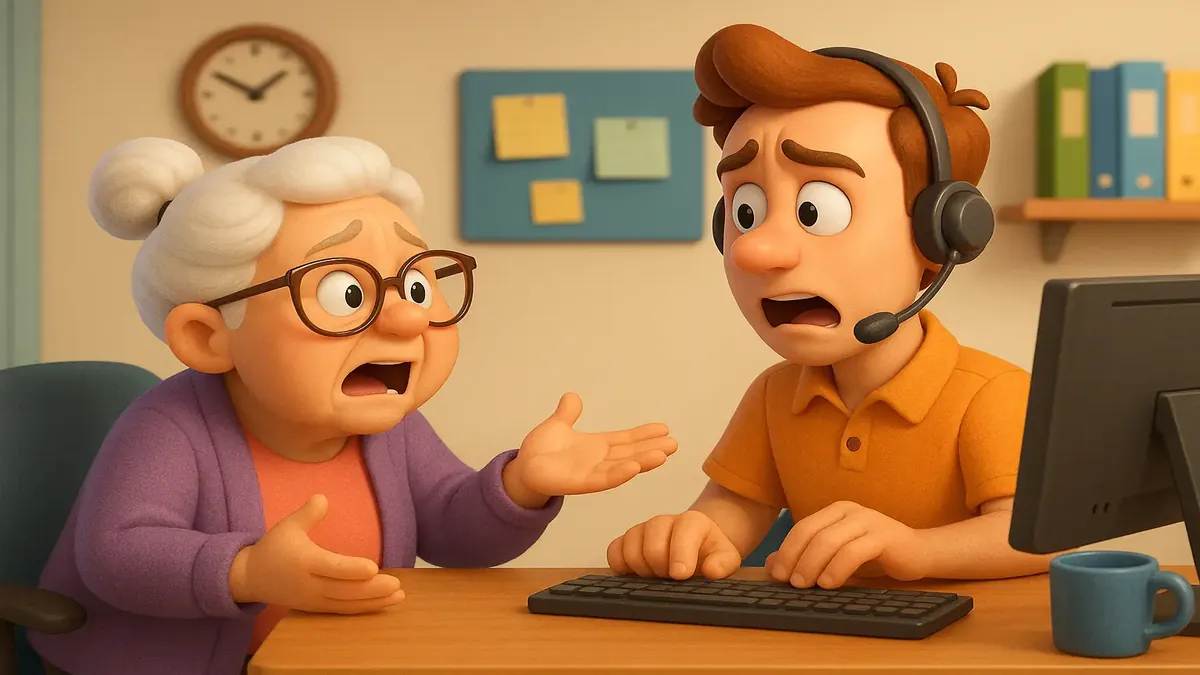
Picture this: You’re wrapping up another day in the trenches of tech support, feeling good after a painless password reset call. The customer was friendly, got in fast, and even thanked you. You exhale, ready to move on—only for the phone to ring the next day with a twist worthy of a sitcom. “You didn’t tell me I had to write down my password!” she insists, as if you just let her walk away with a ticking time bomb. Welcome to the world of ISP tech support, where logic is optional and common sense is apparently a rare collectible.
In the wild west of customer support, no good deed goes unpunished—and no password is ever safe from being forgotten, blamed, or immortalized on a sticky note.
Password Reset: The Never-Ending Saga
Let’s set the scene, courtesy of Reddit user u/throwawaytransgirl17, who works for an ISP that doubles as a call center for a patchwork of small-town companies. Their day-to-day involves everything from wrangling email settings to transporting copper lines and providing tech support to customers who, let’s just say, don’t always read the manual.
The story begins with a refreshingly smooth password reset. The customer breezes through identity verification, logs into her email without a hitch, and even throws in a “thank you.” But the next day, the plot thickens. She calls back, stating that nobody told her to write down her shiny new password or that she’d need it to change it again. OP, being the seasoned pro, doesn’t engage in battle—she’s seen enough to know it’s not worth it. But she can’t help but note: “It’s part of my verbage. (‘I have your new password ready for you to write down’).”
If you’ve ever worked in tech support, you know this dance. As one commenter, u/Faded_Ginger, hilariously confessed, “I had a customer complain because I didn’t tell her to do Step One before Step Two.” Sometimes, the instructions need instructions!
Common Sense: Not So Common After All
The story set off a flurry of hilarity and debate in the r/TalesFromTechSupport community. The top comment by u/Eichmil struck a chord: “Probably need to tell them to wipe after a toilet visit too... Oh, who am I kidding—they’ll blame you for not telling them to uninstall the underwear first.” Tech support: come for the troubleshooting, stay for the life coaching.
Others chimed in on the eternal password dilemma. Should users write them down? Is that a cardinal sin or a necessary evil? u/grimegroup challenged the idea that writing down passwords is “common sense,” pointing out that it’s actually one of the top things you’re advised NOT to do. Yet as u/Rathmun explained, there’s nuance: “If I understand the OP correctly, she didn’t write down the password OP created and told her. THAT password is fine to write down, because you’re supposed to change it right away. (Someone else already knows it, after all.)”
But in the wild world of residential customers, as OP clarified, “They can do whatever they want with their password provided they don’t violate our AUP.” So, yes, a sticky note on the monitor is not the end of the world—though, as u/Silverboax cheekily noted, maybe check your company’s security policy first!
The Password Arms Race: Creativity or Chaos?
When it comes to password creation, the crowd had plenty of… unique suggestions. u/Silverboax joked that the “correct answer” is to make your password “just your name with an 01 at the end and change it to 02 next month, etc.” (Please don’t actually do this. Attackers have Google, too.) Others took it further: “Password2026! is way more secure. I use the same password for everything!” quipped u/nihi1zer0. Not to be outdone, u/dbear848 added, “My wife added an exclamation point to make it doubly secure.”
Of course, not everyone was laughing. u/haha_oh_wow advocated for password managers like Bitwarden: “Do not write down passwords, advise your users to use a secure vault like Bitwarden.” But as OP pointed out, “If our customers were smart enough to use a password manager, they wouldn’t use an email address from their internet provider.” Touché.
The Tech Support Tightrope: Patience Required
What’s a support agent to do? The community consensus is clear: patience, empathy, and a healthy sense of humor. As u/NumerableElk dryly observed, “I also didn’t tell you to keep breathing.” Some users are simply going to need every step spelled out—and then some.
For all the jokes, there’s a real lesson here. The gap between “tech common sense” and “user common sense” can be a mile wide. As much as we might wish for a world where everyone uses password managers and remembers their credentials, reality is full of sticky notes, forgotten logins, and the occasional blame game. The key is not to take it personally. As u/EuphoricTravel1790 put it succinctly: “You cannot solve stupid.”
Conclusion: Your Turn—What’s Your Password Pain Point?
Tech support is a never-ending parade of surprises, and sometimes, the most basic instructions become the battleground for the day. Next time you reset a password, maybe include breathing and blinking in your checklist—just in case.
Have you ever been blamed for a customer’s forgotten password, or witnessed a truly memorable tech support “oops”? Share your funniest (or most painful) password tales in the comments below! And remember: Whether you write it down, vault it, or tattoo it on your arm (not recommended), the only truly secure password is the one you actually remember.
Stay secure—and may your password resets be ever smooth!
Original Reddit Post: 'You didn't tell me I had to write down my password!'